Instrument Open House Experience
A distributed event experience system — one hub controlling six screens across an office, with real-time WebSocket orchestration, NFC tap-to-check-in, and personalized welcome moments for each guest
The brief was to design an open house experience for Instrument’s office — the kind where guests are greeted by name on a big screen, get a personalized impact story on a kiosk, and walk away with something tangible. Before spending money on hardware and a real event day, I wanted to know whether the moment designs actually worked. So I built a full simulation of the system first.
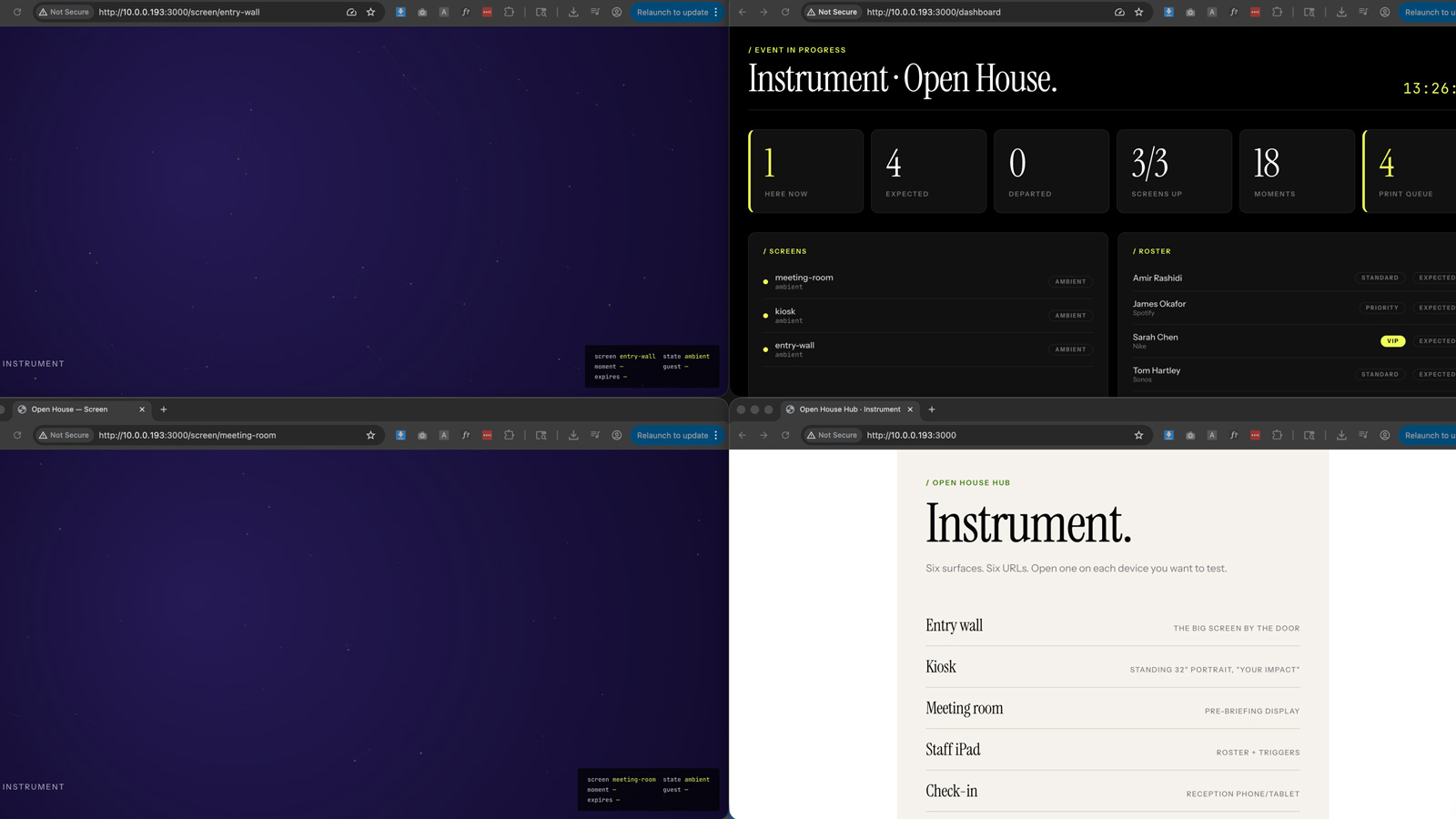
The result is a hub-and-client architecture where one Node server holds all the truth — who’s checked in, what each screen is showing, what’s been triggered — and six browser-based surfaces subscribe to it over WebSockets. Entry wall, kiosk, meeting room screens, a staff iPad app, a reception check-in tablet, and a dashboard for operational oversight. You can run all of it on a single laptop or spread it across six real devices on a LAN. Same code either way.
The check-in flow
When a guest checks in — tap on the reception tablet, or eventually a QR badge scan on the day — the hub composes a personalized welcome and pushes it to the entry wall. The wall animates in their name at display scale, a personal impact metric, and a constellation of teammates. Twelve seconds later it returns to ambient automatically. No screen ever stays stuck on stale personalized content.
If two guests check in within three seconds of each other, the hub queues them and offsets their welcomes by fifteen seconds. Three or more in rapid succession shifts the entry wall to a group composition. That queuing logic was the thing I most wanted to validate before committing to it.
Handling incomplete data gracefully
Some guests come in with a full profile — company, impact metrics, a timeline of projects, a team to display. Others have almost nothing on file. The system has three data tiers: full, partial, and thin. The thin path was the hardest design problem. If a guest has no personal metrics, the welcome still has to feel warm, not broken. The solution was a fallback to an aggregate stat — “14.2M people reached by work we shipped this year” — in place of the personal one, with no team orbit section rather than an empty one. Different kind of welcome, not a lesser one.
Controlling the room from an iPad
The staff iPad surfaces a roster and a set of moment triggers. From there you can spotlight a guest on a specific screen, push a team shout-out, pre-load a meeting brief to the meeting room display before a conversation starts. All of it goes through the same WebSocket event bus as the automatic flows, so the dashboard activity feed always has a complete picture of what happened and when.
NFC tap for the nameplate
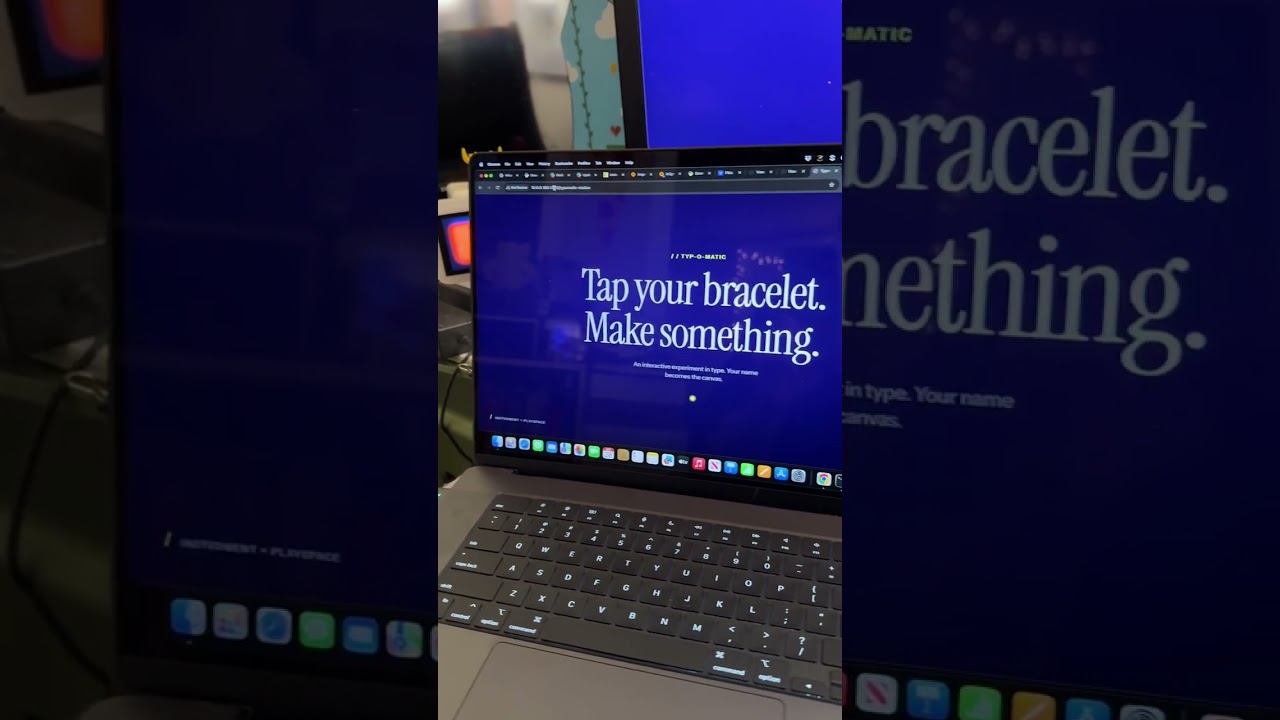
One of the later additions was wiring an NFC reader into the flow. When a guest taps their check-in chip at the kiosk, their name auto-populates in the nameplate tool — a typographic badge generator they can then email to themselves or send to a print queue. The goal was eliminating the friction of typing your own name at a conference kiosk. Tap once, your name is already there, pick a layout, done.
Three deployment modes
I built three ways to run the system. Local mode uses an in-memory store and resets on every restart — fast for iterating on moment designs. SQLite mode writes an audit trail to a single file and survives hub restarts, which matters when something goes wrong four hours into an event and you need to reboot without losing state. Docker mode brings up a full Postgres and Redis stack if you ever need to run multiple hub processes. For the actual event, SQLite is the right call — no Docker, no daemon, just a file you can copy to a standby laptop every five minutes.
The POC answered what I needed to know: the timing felt right, the fallback ladder held up, and the architecture was structurally sound before any real hardware was ordered.
- Role
- Design Engineer
- Tools
- Node.js Fastify WebSockets Firebase / Firestore OpenAI OpenAI gpt-image-1.5 OpenRouter GPT-4.1-mini p5.js Three.js NFC PC/SC NFC Reader PDFKit
- Metrics
- 6 connected surfaces simulated from a single laptop, 3 deployment modes, 5 guest data tiers tested
Multi-screen dashboard overview
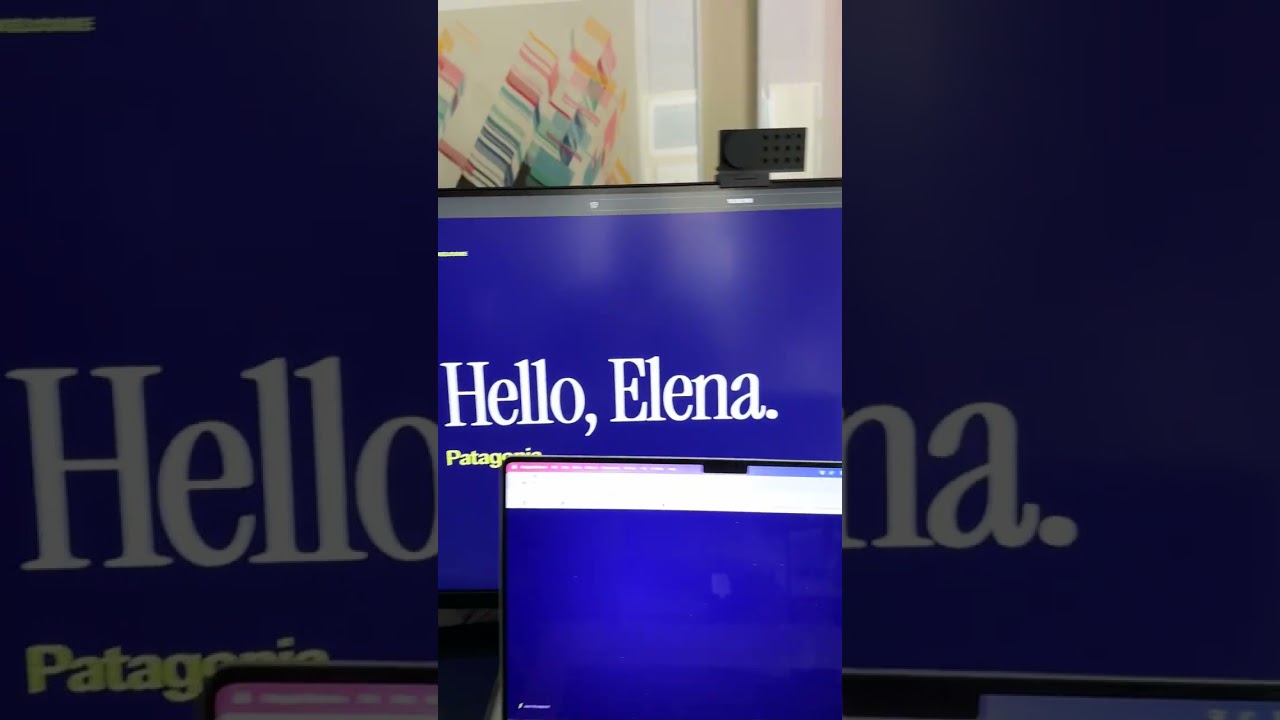
NFC check-in and moment triggers