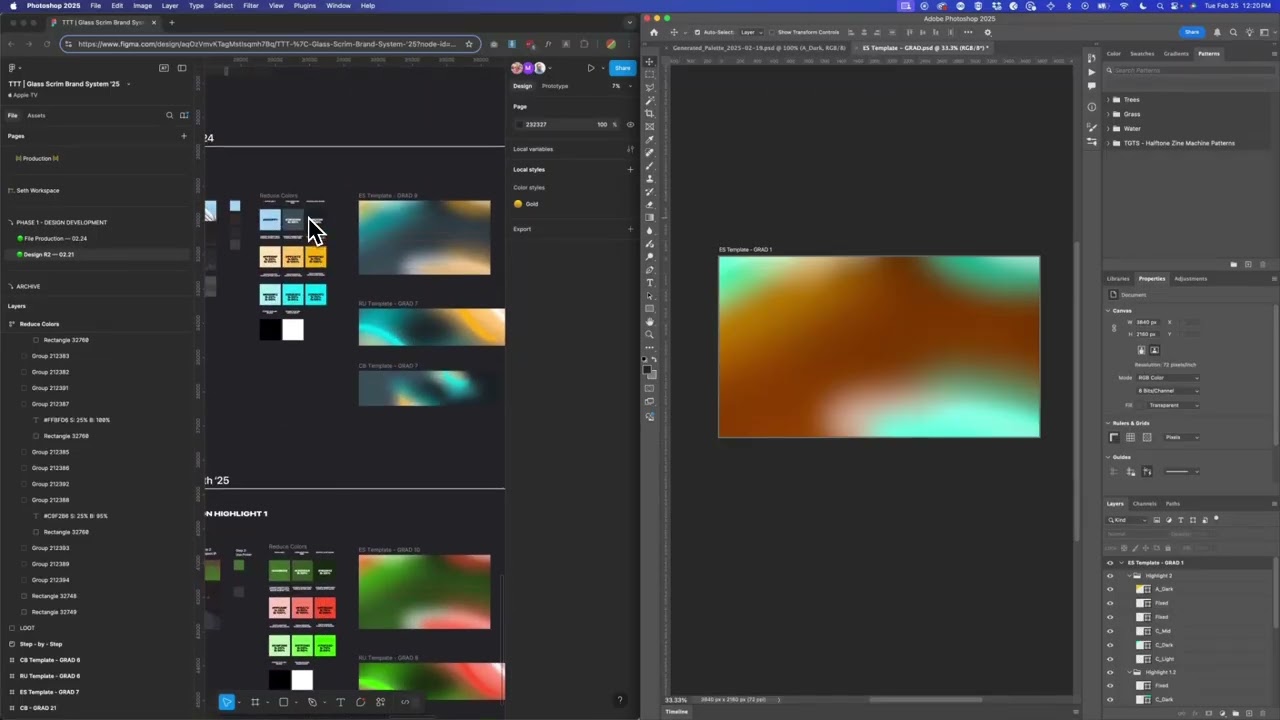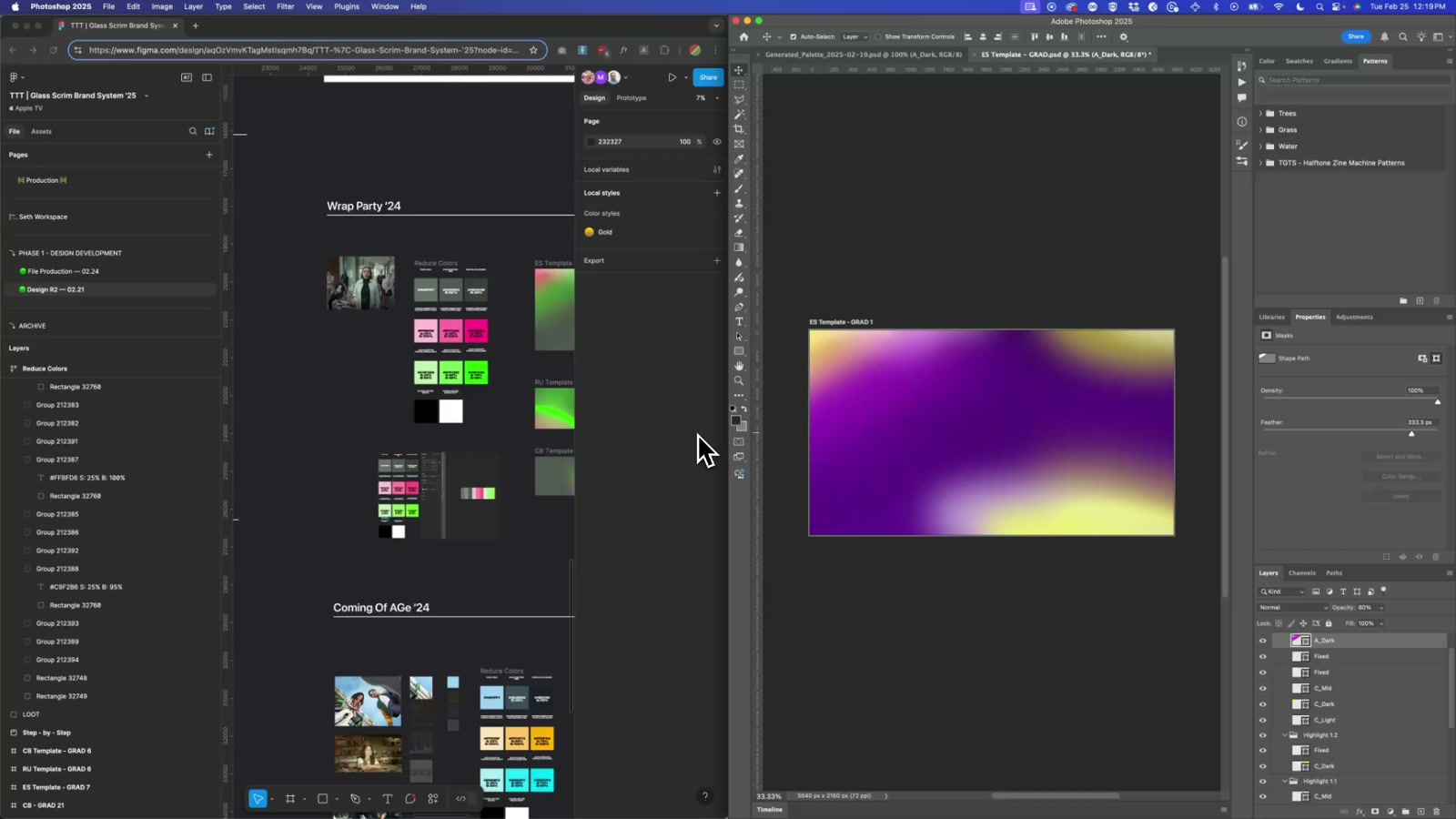
Photoshop Auto Color Palette Script
A Photoshop script that takes a single hex color and automatically generates and maps a full nine-variation color palette across a layered gradient template — no manual layer hunting required.
Working on a TV or streaming brand system means constantly swapping color themes across campaigns, IPs, and titles — and doing that manually in a deep Photoshop file is exactly the kind of work that kills momentum. This script eliminates that friction entirely. Drop in a single hex value, run the script, and it builds out the full color palette and assigns every variation to the correct layer automatically.
How it works
The script takes one input: a base hex color — typically the primary color pulled from the IP, campaign, or brand. From there it calculates complementary and supporting colors, generates a nine-variation grid covering light, mid, and dark tones across multiple hues, and maps each variation to its corresponding named layer in the Photoshop file. The layer naming convention does the heavy lifting — as long as layers follow the system (light, dark, mid, etc.), the script knows exactly where each color value belongs.
The workflow is designed to fit into an existing pipeline. You can run it via Scripts > Browse or drop it into Photoshop’s scripts folder for instant access from the menu. Two inputs, one click, done.
The build
The core logic handles two things: color math (deriving complementary and tonal variations from the base hex) and layer mapping (traversing the Photoshop document and updating the correct fill values by name). The script validates the hex input before doing anything, which prevents silent failures on malformed values — a small thing that matters a lot when you’re handing this off to a team.
The gradient template itself is structured as a system — named layers act as slots, and the script treats them as a predictable API. That separation between template structure and color logic means the script works across multiple project files as long as the naming convention holds.
Why it matters
This kind of tooling is where design systems get real leverage. A brand system for a TV network or streaming platform might cover dozens of titles per year — each with its own palette, each needing gradient assets across multiple formats. Doing that by hand is hours of work and introduces inconsistency. A script like this turns a color decision into a one-second update.
The same pattern applies well beyond gradients: title card generation, thumbnail template automation, seasonal rebrand rollouts — any workflow where a single color token needs to propagate across a structured layered file is a candidate for this approach. The script is the proof of concept; the real value is the system thinking behind it.
Applying this to your project
- Copy just two files:
GenerateColorPalette.jsxand a Photoshop template likeES Template - GRAD.psd. Discard thearchive/folder (old working versions kept for history only), the demo.mp4walkthroughs,Glass Scrim Effect.atn, and the.figfile — none of those are needed to run the tool itself. - No API keys or environment variables needed. This script makes no network calls and reads no
.envfile — it only talks to the Photoshop document that’s open when you run it. - Rebuild your own template’s layers to match (or edit the script to match your template). The script looks for exactly nine layer names, defined in the
LAYERS_TO_UPDATEobject near the top of the file (lines 5–21):B,B_Mid,B_Dark,C_Light,C_Mid,C_Dark,A_Light,A_Mid,A_Dark. Rename your template’s layers to match these, or change the strings inLAYERS_TO_UPDATEto match your own naming. - Critical integration point: your layers must be “Solid Color” fill layers, not regular pixel layers.
applyColorToLayer()calls Photoshop’sexecuteActionwithsolidColorLayer— this only works on fill layers. If your template uses flattened/pixel layers, recoloring will silently do nothing. - The default swatch prompt value (
"#9B51E0"on line 485) and the named color-range labels ingetColorName()(lines 87–100, e.g. “Chartreuse Green”, “Rose”) are cosmetic — swap them for your own brand default and naming preferences. - The brightness targets are hardcoded for this brand’s “glass” look.
calculateAdaptiveBrightness()(lines 377–408) targets ~55% tint / ~35% shade — tune these numbers if your new brand needs lighter or darker variants. - Gotcha — missing layers fail silently.
applyColorToLayer()returnstrueand moves on if a layer name isn’t found (lines 338–341). If you typo a layer name while adapting the script, you won’t get an error — the palette will just apply to fewer layers than expected. Double-check layer names carefully after renaming. - Gotcha — the dialog preview swatches are approximate, not exact. In
getHighlightColor(), the harmony preview swatches use fixed saturation/brightness values (e.g.s: 25, v: 95) rather than the actual base color’s saturation/brightness, so the swatch you see while choosing isn’t pixel-identical to what gets applied. This is cosmetic only — don’t chase it, just re-check the result after applying. - Gotcha — dead code you can ignore or delete.
findLayerInGroup()andfindLayer()are defined but never actually called by the main flow (onlyfindAllLayers()is used) — safe to delete if you’re cleaning up, not a hidden dependency. - Only 6-digit hex is accepted (
/^#?[0-9A-Fa-f]{6}$/on line 486) — shorthand hex like#fffwill be rejected, so update the regex if you want to support that.
Other ways to repurpose this
Product Design
- Let a client type in a single brand color and instantly see a full product mockup restyled with a complete, coordinated palette instead of waiting for a designer to hand-recolor every screen.
- Offer a couple of simple style choices, like “warmer” or “cooler,” so people can steer the look without needing to understand color theory themselves.
Web Design
- Build a tool where a client enters their brand’s color and every element of a sample website updates to match automatically, so they can see their site in their own colors before real design work begins.
- Give clients a quick side-by-side of a few different color-scheme directions for their site so they can pick one before committing to full design.
Marketing
- Create a self-serve mockup generator for sales pitches: a prospect enters their brand color and gets back a sample ad or landing page already in their own palette, making the pitch feel personalized instantly.
- Use the same “enter one color, get a whole matching theme” idea to let the team produce more pitch concepts per day for prospective clients.
Branding
- Turn a single approved brand color into an entire ready-to-use set of tints, shades, and accent colors automatically, so every new asset stays consistent without someone manually eyeballing each color choice.
- Let a client preview exactly how their brand color will look across a whole template before it’s locked in, so clashes get caught early instead of after production.
Dependencies
- Role
- Design Engineer
- Tools
- Photoshop ExtendScript Adobe Scripting API