Brand Layout Parser & Gradient Contrast Checker
Two tools: a Figma file parser that reads designs directly via the API, and a contrast checker that actually works on gradients and image backgrounds
This one’s actually two projects that evolved together. First, I upgraded the brand layout tool so it can parse Figma files directly — no more needing a plugin to extract code first. You drop in a Figma file URL and it hits the Figma API, pulling metadata for every node: layers, positions, sizes, fill colors, images, text content, the works. That data gets ingested directly into the layout analysis tool, which makes the whole workflow dramatically faster. It went from “export from Figma, run through a plugin, copy the output, paste it in” to just “paste a URL.” That kind of friction reduction sounds small but it completely changes whether you actually use a tool day-to-day or not.
The contrast checker nobody else built
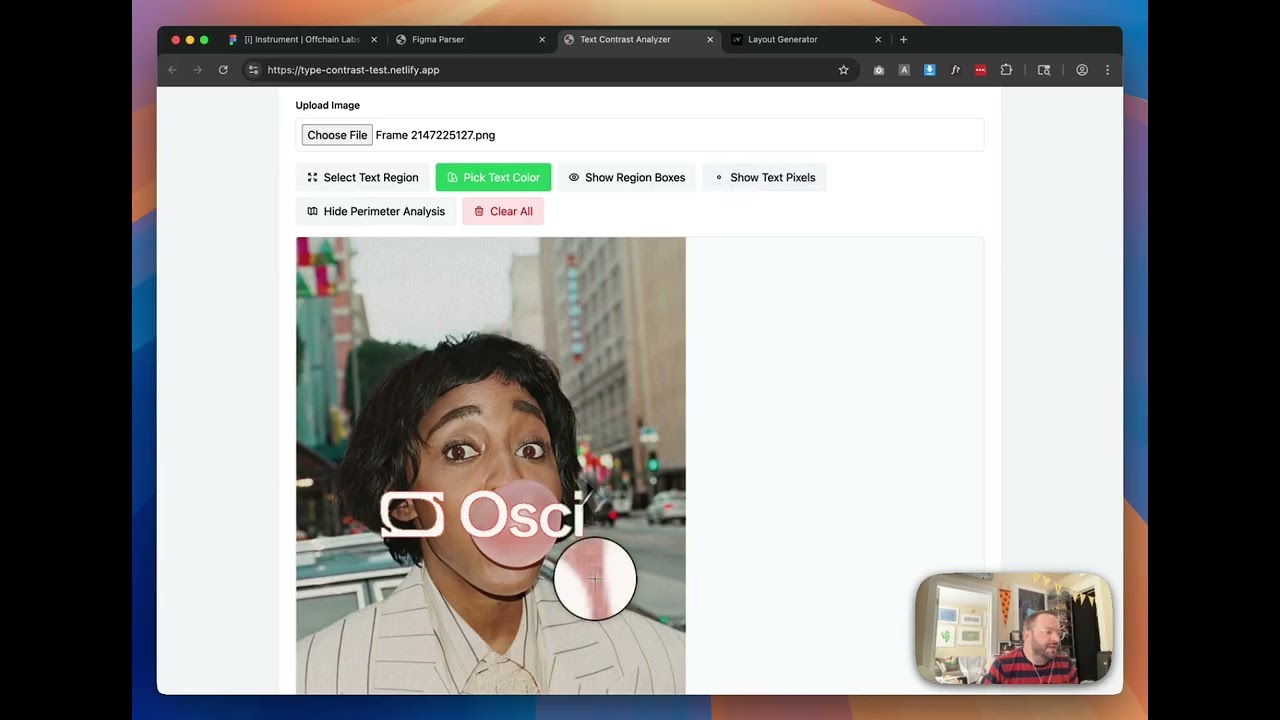
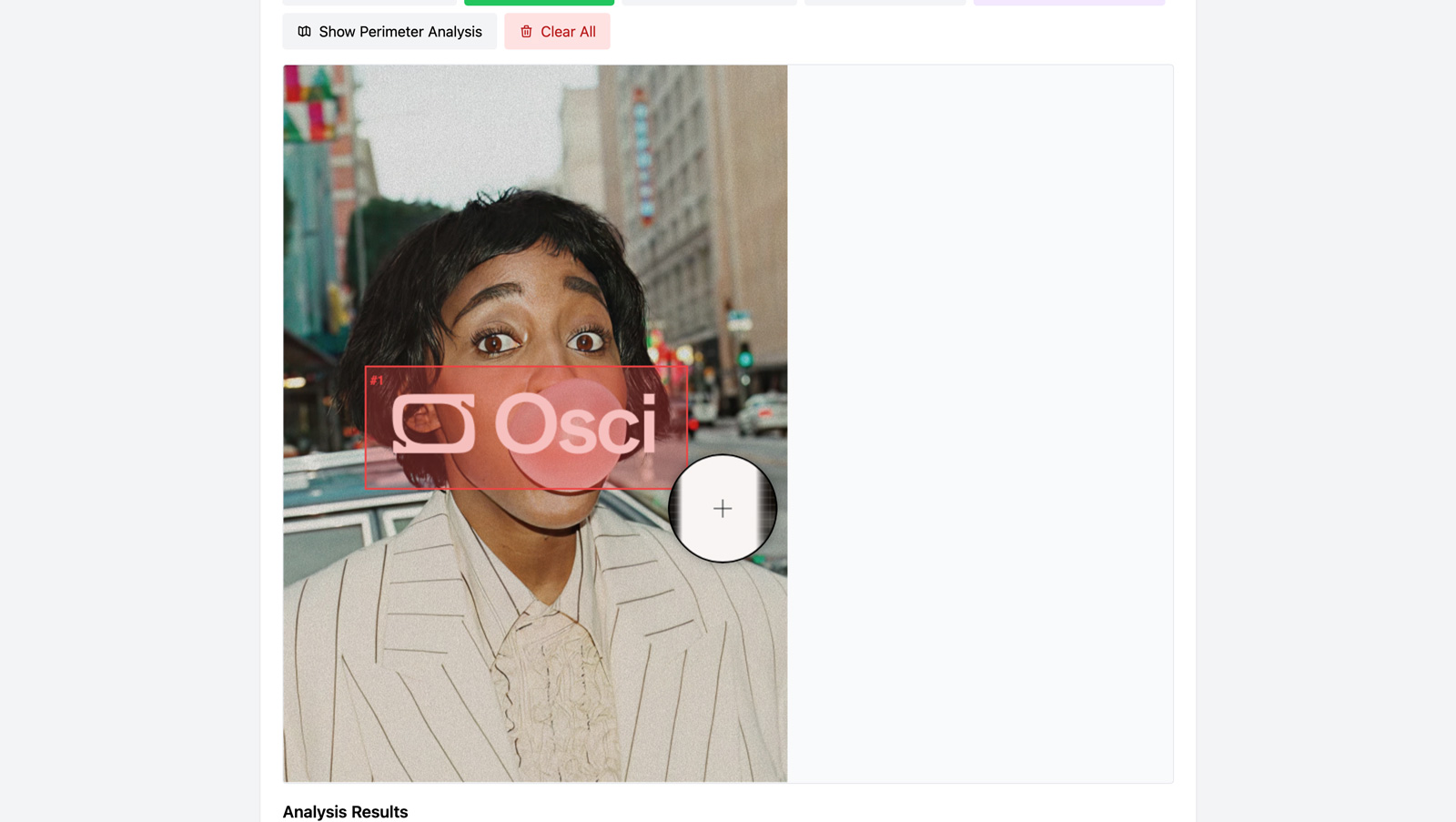
The second project is the one I’m more proud of: a text contrast checker that works on gradient and image backgrounds. This is something that standard tools — including Figma’s own built-in contrast checker — simply cannot do. They assume a flat background color, which falls apart the moment you have text over a gradient, a photo, or any kind of complex background. My tool uses image analysis to identify the text pixels, then calculates contrast ratios against the actual varying background underneath each character. It handles anti-aliasing detection so it doesn’t get thrown off by subpixel rendering, and it shows you worst-case, average, and max contrast scores with a clear pass/fail visualization.
Why this matters for accessibility
Accessibility compliance shouldn’t require guesswork, but that’s exactly what we’ve been doing with text on complex backgrounds. Designers either avoid the problem entirely (safe but limiting) or eyeball it and hope for the best (common but risky). Having actual measured contrast data — especially the worst-case score, which is what really matters for readability — means you can make informed decisions. You can keep that beautiful gradient hero section but know exactly where the text contrast drops below WCAG thresholds and adjust accordingly. It’s the kind of tool that lets you be both creative and responsible.
- Role
- Creative Technologist
- Tools
- Figma API Image Analysis WCAG Contrast Accessibility Canvas API
- Metrics
- Contrast analysis on gradient and image backgrounds with worst-case, average, and max scores