AI Video Ad Performance Analyzer
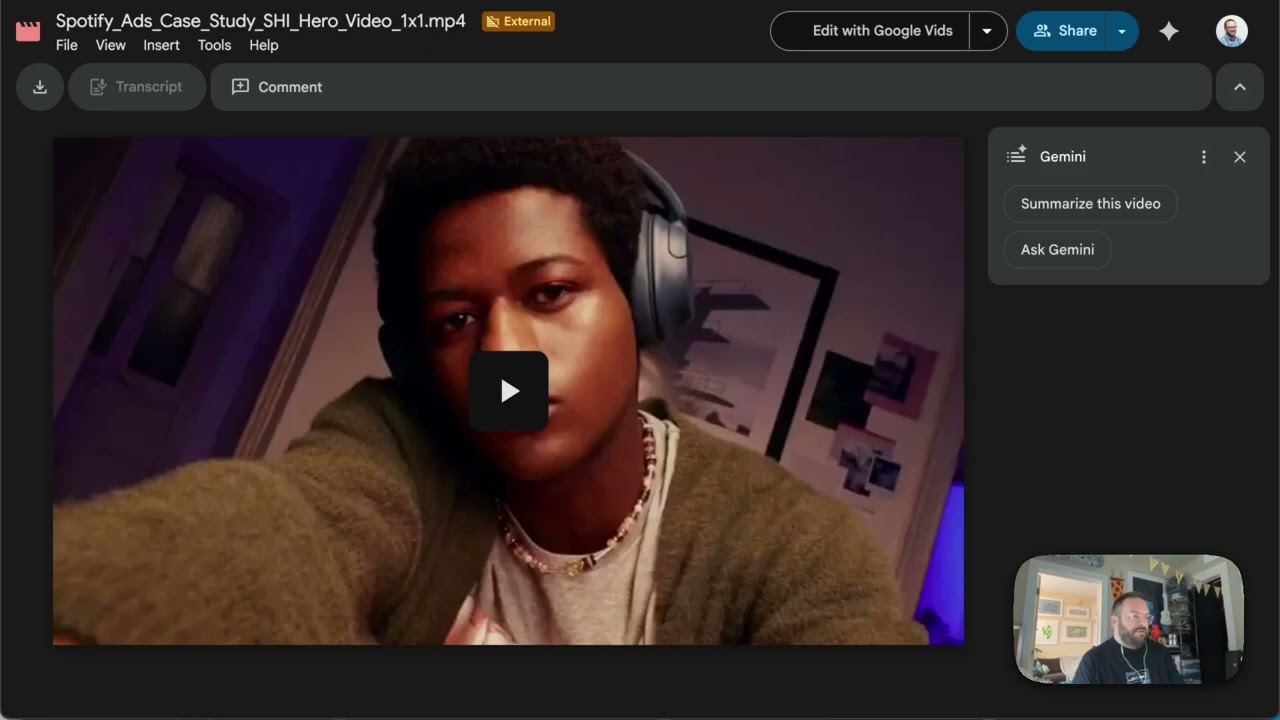
A full-stack platform that ingests video ad creatives from YouTube or Google Drive, runs computer vision analysis on each asset, and correlates visual and audio features with real performance metrics from Google Ads and Meta.
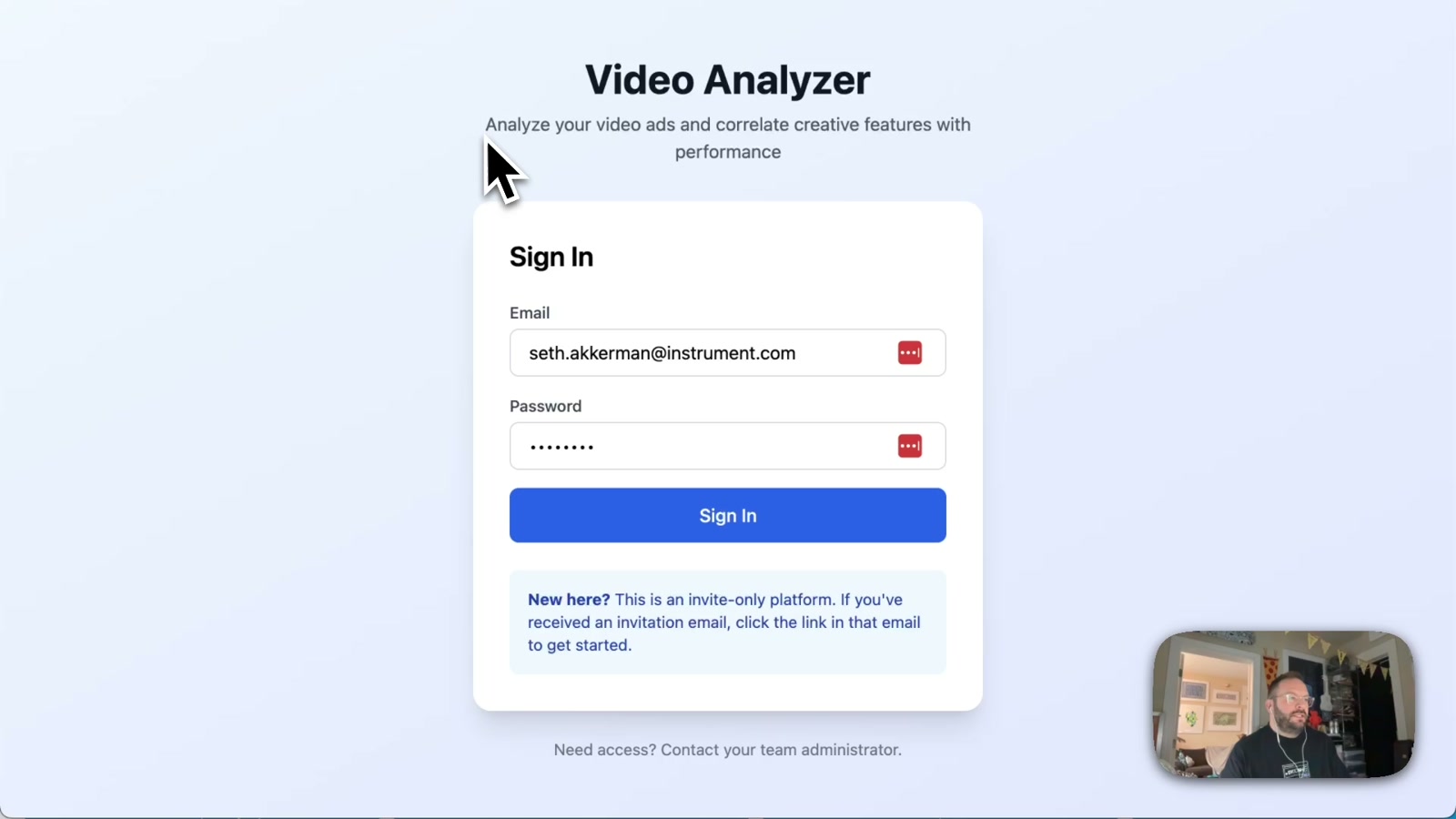
Creative teams have always had to guess at why one ad outperforms another. This tool makes that legible. Video Analyzer is an invite-only platform that takes a CSV export from Google Ads or Meta, pulls in the corresponding video or image assets, and runs a battery of computer vision and audio analysis — then surfaces which creative elements actually correlate with performance.
How it works
The architecture is a three-layer stack: a Next.js frontend deployed on Netlify, a Python backend running on Modal.com for serverless GPU-accelerated processing, and Supabase for auth, database, and team management. When a user uploads a CSV, the backend spins up containers that download each asset via yt-dlp, then runs OpenCV, MediaPipe, and EasyOCR across frames — extracting dominant colors, brightness, face counts, on-screen text, motion energy, and audio sentiment via librosa and TextBlob. Results are stored and joined back to the performance data in Supabase.
What you actually see
The dashboard surfaces the analysis in layers: top-level creative performance metrics, a breakdown by campaign, asset-level analysis with the ability to click through and watch each video inline, and an AI-generated observations and recommendations panel. Teams can be organized by brand workspace, with role-based access and invite flows — so an agency can manage multiple clients in one place.
Why it matters
This kind of tooling has historically lived inside expensive enterprise platforms or required a data science team to build and maintain. By connecting off-the-shelf computer vision libraries to a serverless Python backend and a clean authenticated frontend, this becomes something a lean creative team can actually run themselves. The same pattern applies far beyond ads: content performance analysis for organic video, brand consistency audits across campaigns, or competitive creative intelligence — anywhere you need to go from raw video to structured creative insight at scale.
Applying this to your project
- Clone the two halves separately. Copy
frontend/andbackend/as independent units — they only talk to each other over HTTP (Netlify → Modal), so you can swap either one out without touching the other. Discardfrontend/.next,frontend/node_modules, andbackend/__pycache__— these are build artifacts, not source. - Set up three accounts before touching code: Supabase (database + auth), Modal.com (Python backend hosting), and Netlify (frontend hosting). Copy
frontend/.env.exampletofrontend/.env.localand fill inNEXT_PUBLIC_SUPABASE_URL,NEXT_PUBLIC_SUPABASE_ANON_KEY,SUPABASE_SERVICE_ROLE_KEY, andMODAL_ENDPOINT. Note: the checked-incode/README.mdsays to create a Modal secret namedsupabase-credentials, but the actual code inbackend/modal_app.pyreads from a secret namedvideo-analyzer-secrets— use the name from the code, not the README. - Run the SQL migrations first.
database/migrations/001_initial_schema.sqland002_user_management.sqlmust be run in order in the Supabase SQL Editor before anything else works — the app assumes tables likebrands,assets, andbrand_membersalready exist. - Swap the analysis logic, keep the plumbing.
backend/utils.pyandbackend/utils_image.pycontain the actual video/image scoring logic (color, faces, OCR, hook score, CTA strength). If you’re adapting this for a different kind of analysis, replace the functions inside those two files but keepbackend/modal_app.py’s endpoint structure (/analyze,/analyze-image,/aggregate-analysis) and itsX-API-Keyauth check intact. - Your data plugs in through the CSV upload. The integration point for a new client’s content is the CSV format described in
code/README.md— column names likeLink,Campaign,Cost,CTR. If your data doesn’t look like ad-performance metrics, you’ll need to rewrite the CSV column-matching logic in the upload page (frontend/src/app/dashboard/[brandId]/upload/page.tsx) rather than the backend. - Rebrand in
frontend/src/app/layout.tsxandglobals.css. Tailwind classes are used inline throughout, so there’s no central theme file — search-and-replace color utility classes (e.g.blue-500) if you want a different palette. - Gotcha:
rechartsis installed but unused. The dependency is inpackage.json, but every chart in the current dashboard (gauges, color bars, composition grids) is hand-rolled inline SVG. If you want real chart components, either wire uprechartsproperly or keep extending the custom SVG approach already infrontend/src/app/dashboard/[brandId]/asset/[assetId]/page.tsx. - Gotcha: the
supabasePython package inrequirements.txtis dead weight. The backend actually talks to Supabase via rawhttpxREST calls, not the official client library — don’t be surprised when you can’t find acreate_client()call inmodal_app.py. - Gotcha:
npm run devlies about correctness. It skips TypeScript type-checking; onlynpm run build(what Netlify actually runs) will catch type errors. Always runnpm run buildlocally before pushing. - Regenerate the shared secret if you rotate keys.
MODAL_INTERNAL_API_KEYmust be identical in both the Netlify environment variables and the Modal secret — generate it withopenssl rand -hex 32and update both places together, or the backend will reject every request with “Invalid or missing API key.”
Other ways to repurpose this
Product Design
- Build a tool that automatically scores a piece of creative work against known best practices (color, composition, text clarity) so designers get instant, specific feedback instead of waiting on a review cycle.
- Let a team upload a spreadsheet of past work alongside its real-world results, and surface which visual patterns actually correlated with success.
Web Design
- Offer clients a dashboard where they can see, side by side, which of their homepage or landing page variants performed best and why, down to color and layout traits.
- Give clients a self-serve upload flow so they can drop in their own content and get an analysis back without needing a developer involved each time.
Marketing
- Create a shared workspace where a marketing team can upload campaign assets and spend/performance data together, then automatically surface which creative traits are correlated with better return on ad spend.
- Build an “insights” view that turns raw campaign numbers into plain-language recommendations, like which visual style or messaging tone is winning.
Branding
- Analyze a brand’s existing library of assets to detect its dominant colors, tone, and visual patterns, then flag anything that’s drifting off-brand.
- Let a brand invite outside collaborators (freelancers, agencies) into a shared, permissioned space to review and score creative without giving them full access to everything.
Dependencies
- Role
- Design Engineer
- Tools
- Next.js TypeScript Tailwind CSS Modal.com Supabase OpenCV MediaPipe EasyOCR Python Netlify yt-dlp