EA Logo Customizer
A password-protected web tool that lets Electronic Arts employees generate on-brand logo variants and export them as PNG or SVG — no designer required
The problem Jenna brought to us was a familiar one: Electronic Arts had just launched new branding, and instead of that new brand showing up consistently, it was fragmenting almost immediately. Unapproved logo variations were spreading across lunchrooms, Slack blasts, and email footers. The “creativity” was getting out of hand, and her team didn’t have the capacity to review every request. The brand was being eroded not by bad intentions, but by people just trying to get things done without a clear, easy path to the right assets.
The answer wasn’t more brand guidelines — it was making the correct thing the easiest thing.
How it works
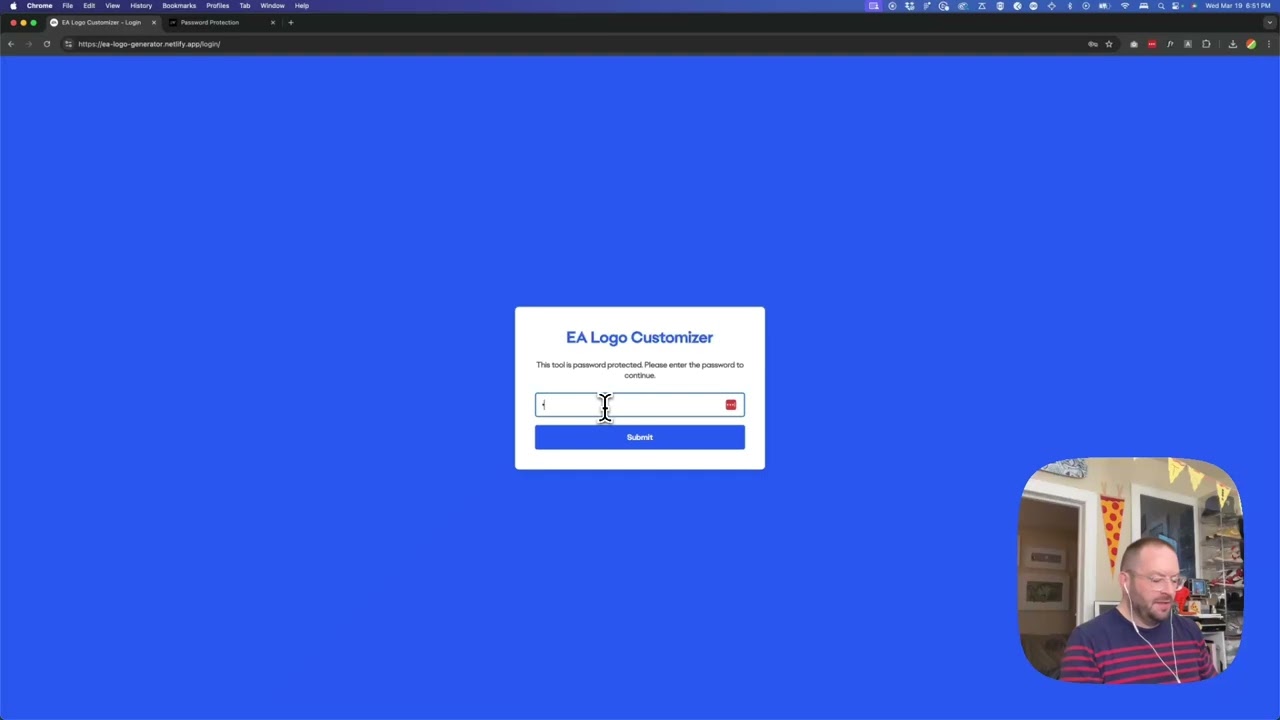
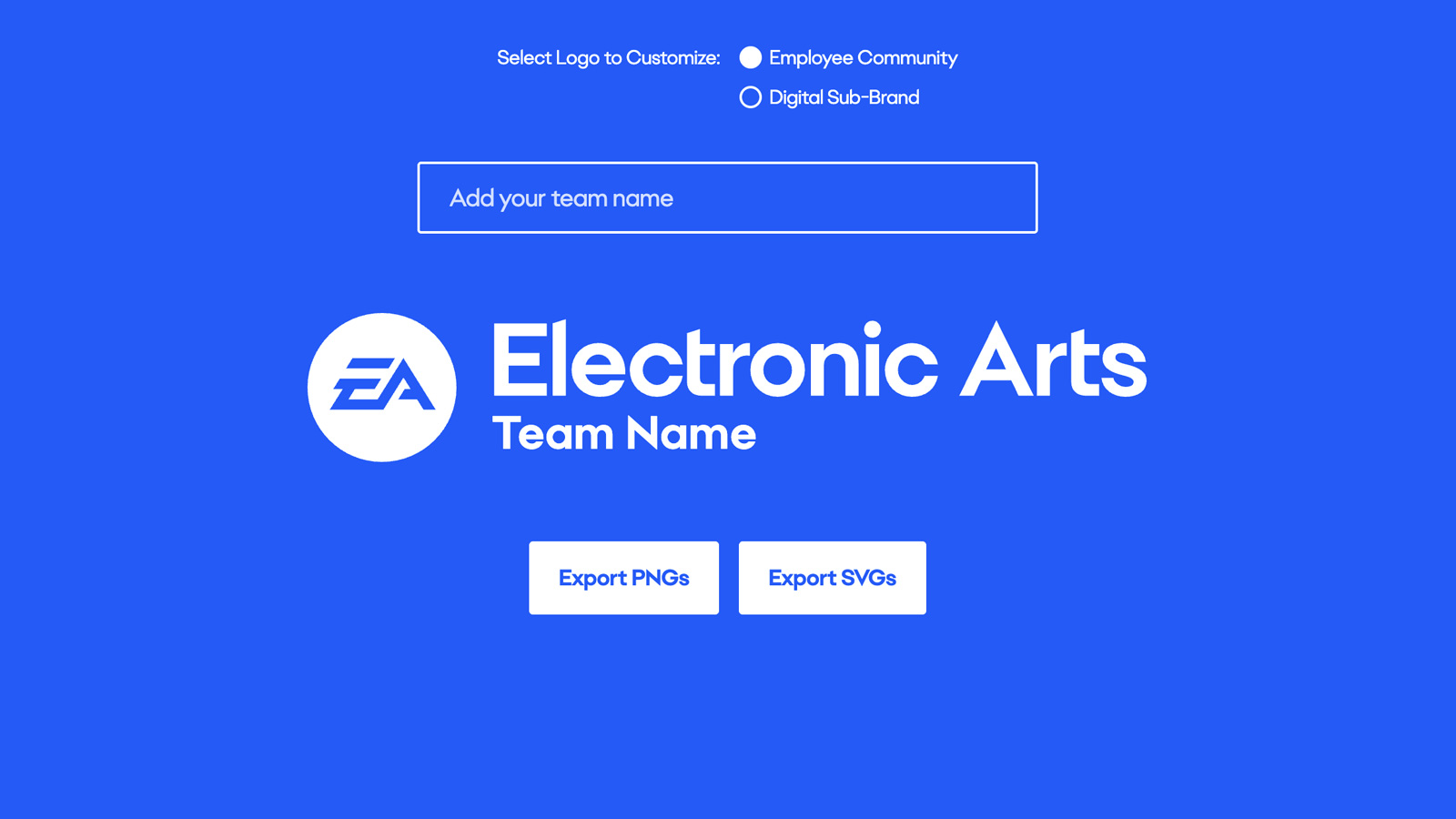
We built a web-based logo generator that pairs the rules of the new logo structure with the immediacy of self-service. You type in your team or department name, pick your logo variant (Employee Community or Digital Sub-Brand), and the tool outputs your logo in three approved color ways, ready to export as transparent PNG or SVG. The whole thing is password-protected with a custom login page — the first time I’d built one from scratch — so it stays internal without requiring any IT infrastructure. It lives on Netlify, which means it can be transferred to EA’s own account whenever they’re ready.
Why it scales
What I find compelling about this pattern is how it shifts the bottleneck. Before, the constraint was designer availability — someone always had to touch an asset before it could go out. Now the constraint is the tool itself, which means the brand rules are baked in and enforced automatically. Anyone who needs a logo for a press release, a presentation, an event badge, or an email signature can generate the right one in under a minute. The design team gets their time back, and the brand stays consistent across every context where it shows up.
That’s the real value of building tools like this: you’re not just solving today’s request, you’re removing an entire category of future requests.
Applying this to your project
-
Clone the whole repo as-is — there’s no build step, package manager, or bundler here. You need:
index.html,script.js,style.css,check-auth.js,netlify.toml, thenetlify/functions/auth.jsfunction, thelogin/index.htmlpage, and theassets/fonts+assets/imagesfolders. Discardapple-touch-icon.png,favicon*.png/icoif you have your own brand favicons. -
No API keys needed, but you must set your own password. Open
netlify/functions/auth.jsand replace the hardcoded string'jennarulz'(line 28) with your own password — right now it’s committed in plain text to source control, so at minimum move it to a Netlify environment variable (process.env.SITE_PASSWORD) instead of leaving it in the code. -
Swap the branding: replace the two SVGs in
assets/images/(EA_Logo_SubBrand.svgandMedallion.svg) with your own logo marks, and drop your own font files intoassets/fonts/(replacingElectronicArtsDisplay-Regular.otf/-Bold.otf). Update the@font-faceblocks andfont-familyreferences in bothstyle.cssandlogin/index.html, and change the hardcoded blue#255AF6(appears in both files) to your brand color. -
The critical integration point is the
DIMENSIONSobject at the top ofscript.js— this hardcodes pixel widths, font sizes, letter-spacing, and margins for each logo “mode” (employeeandsubbrand). If your logo has different proportions or you swap in a different font, you’ll need to redo these numbers by trial and error in the browser — they were tuned by eye against this specific SVG and this specific font’s metrics. Same goes for theSVG_SOURCESobject, which points at the two logo files, andTEXT_CONTENT, which controls placeholder/default text per mode. -
Non-obvious gotchas:
- There is no build process — this is deployed as static files directly, so any change to
script.js/style.cssis live immediately with no compile step to catch errors. - The text-width measurement in
checkTextWidth()re-loads the OTF font file viaopentype.load()on every keystroke (debounced 300ms) rather than caching it — fine for a two-font tool, but worth caching if you add more fonts or styles. - PNG/SVG export both re-
fetch()the logo SVG file and do a string replace onfill="white"to recolor it — if your replacement logo SVG uses a different fill value (e.g.currentColoror a hex code instead of literalwhite), the color-swap for the black/white/brand-color exports will silently fail. - Auth is a single shared cookie (
netlifyAuth=true, 24hr expiry) with no per-user identity — it’s a single shared password, not real authentication, so don’t treat this as suitable for anything needing audit trails or multiple user accounts. - The Netlify redirect rules in
netlify.tomlgate every route behind the cookie except/login— if you add new pages/routes, they’ll automatically be protected too, but make sure any new public assets (like a new favicon path) aren’t accidentally blocked.
- There is no build process — this is deployed as static files directly, so any change to
Other ways to repurpose this
Product Design
- Let people try a name, label, or size on a real product mockup and see instantly whether it fits, instead of guessing and finding out later.
- Give clients a simple form that produces production-ready variations of an asset on their own, without waiting on a designer for every small change.
Web Design
- Let a client type their real headline into a mockup and see immediately if it breaks the layout, before it ever goes live.
- Offer a quick way to preview a design in several color themes side by side, so a client can pick one without needing separate files made for each option.
Marketing
- Let a marketing team type in a partner or event name and instantly get a matching set of on-brand graphics, in every approved color, ready to post.
- Provide a simple, self-serve tool marketing teams can use themselves to produce their own campaign assets, cutting out back-and-forth requests to the design team.
Branding
- Turn a brand’s official rules — like spacing, sizing, and color limits — into a tool that enforces those rules automatically instead of relying on people remembering them.
- Give other teams a guided way to correctly use a brand’s different logo styles, so the right version is always used in the right context.
Dependencies
- Role
- Creative Technologist
- Tools
- Netlify SVG JavaScript Brand Systems Netlify Identity
- Metrics
- Outputs logos in three approved color ways as transparent PNG and SVG