Figma Pattern Generator Plugin
A Figma plugin that turns any component into a repeating pattern — with support for mixing two components, individual scaling, isometric rotation, and a live in-panel preview so you can dial in the output before committing.
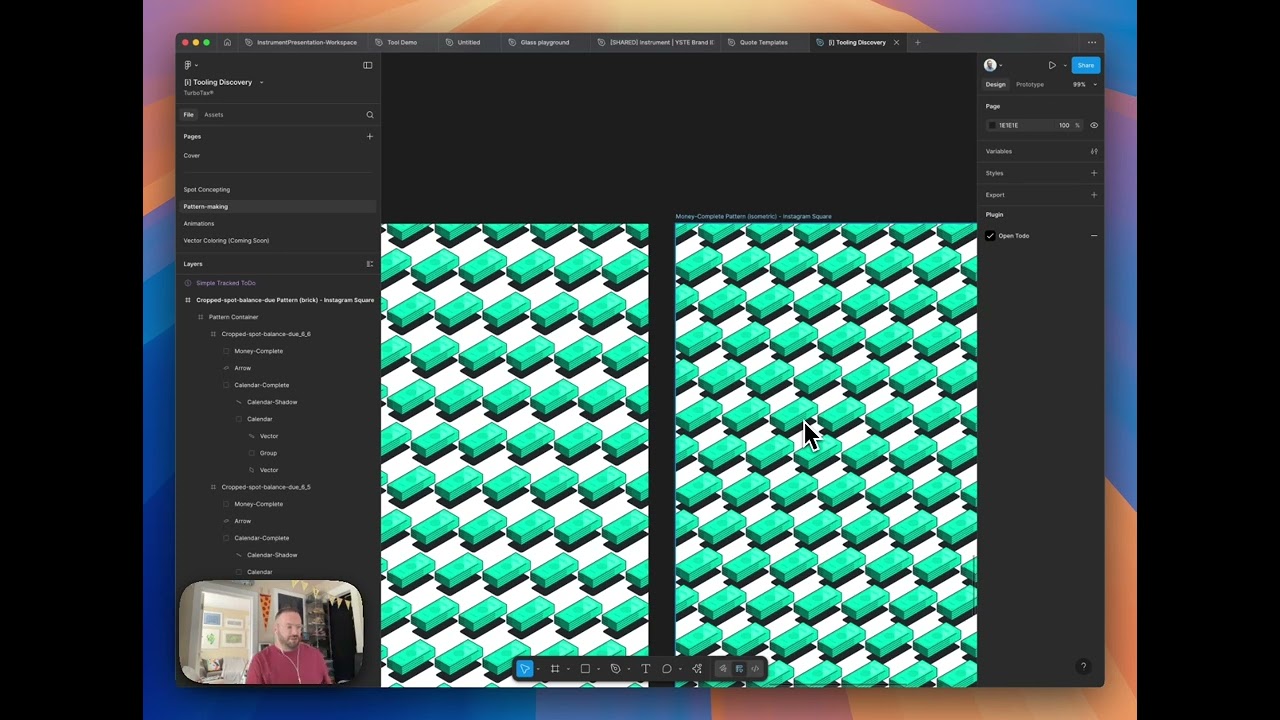
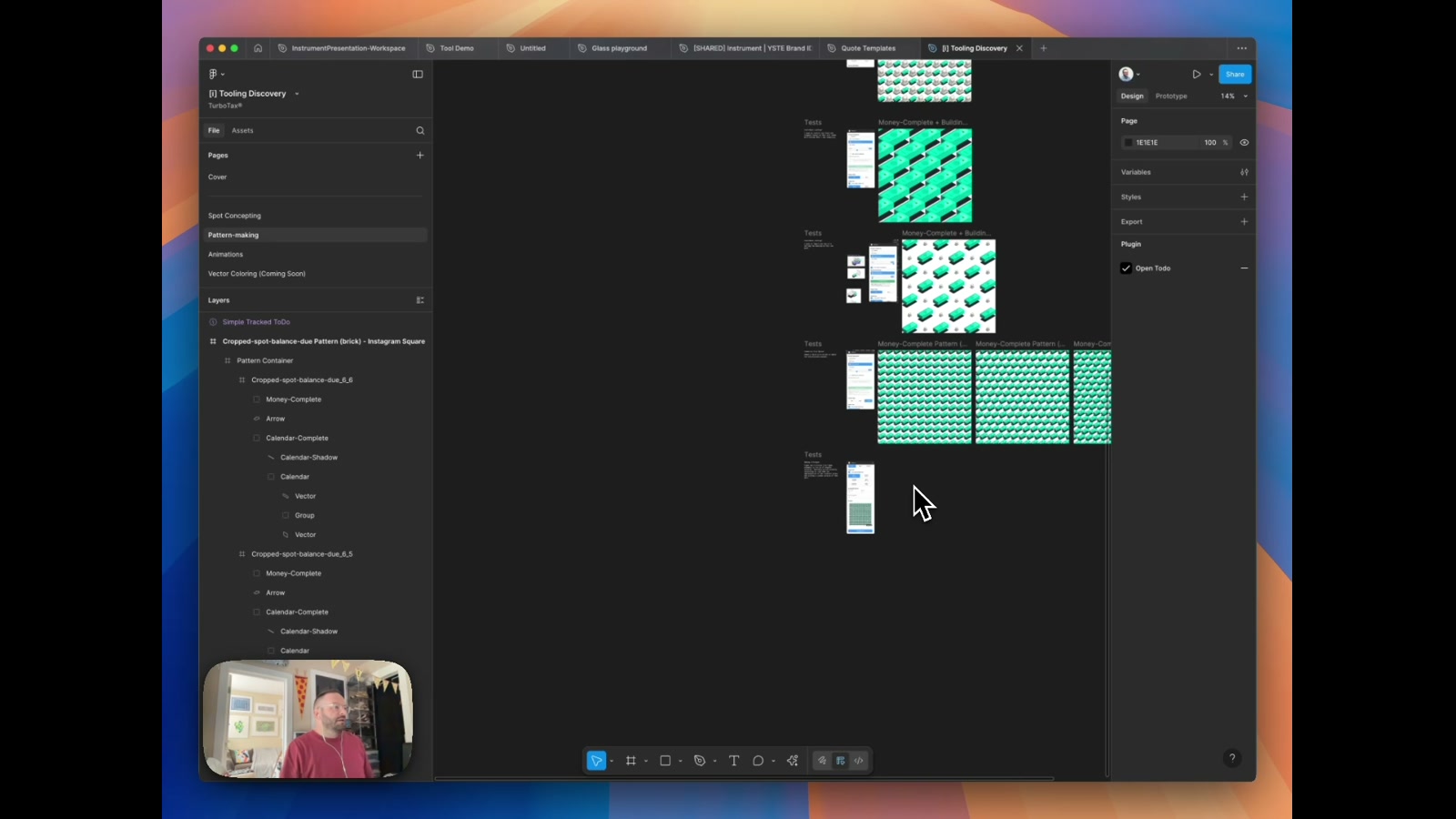
Pattern-making in Figma typically means a lot of manual copy-pasting and nudging. This plugin shortcuts all of that — select a component from anywhere on the page, set your grid parameters, and it tiles it into a repeatable pattern in seconds. The proof-of-concept phase covered a lot of ground fast: single and dual-component selection, per-component scale controls, isometric output at 30 degrees, and a live preview directly inside the plugin panel.
How it works
The plugin reads components from the active Figma page and renders them into a configurable grid. The dual-component mode lets you pull two separate illustration elements — say, a calendar icon and a building — and interleave them in the same pattern. The isometric option rotates the grid to a classic 30-degree angle, giving a stacked brick-like appearance versus the standard aligned grid. Scale sliders let you adjust each component independently before generating, so the proportional relationship between elements feels intentional rather than accidental.
The preview problem
One technically interesting constraint: Figma plugins run as sandboxed mini-websites layered on top of the canvas, which means you can’t render live Figma components directly inside the panel UI. The workaround here is clever — the plugin generates the full pattern output off-screen, converts it to a JPEG, and pipes that image back into the preview panel in real time as parameters change. It’s not pixel-perfect fidelity, but it’s more than enough to read scale, density, and overall composition before hitting generate.
What this unlocks
The real value is speed and flexibility for brand and marketing asset production. Pattern systems are common in visual identities — think social media backgrounds, merchandise, packaging — and they usually require either manual Figma work or jumping into a separate tool. Keeping it inside Figma means designers can work directly with components already in their file. Future directions include multi-component mixing beyond two elements, adjustable gap and offset controls, and potentially exporting at higher resolutions for print use. The UX is still rough in places, but the core mechanics are proven.
Applying this to your project
- Copy the whole
TTPatternsfolder as your starting point:manifest.json,code.ts,ui.html,package.json,tsconfig.json. Deletecode.jsandnode_modules—code.jsis a build artifact (already gitignored) and gets regenerated bynpm run build;node_modulesgets regenerated bynpm install. - There’s nothing to configure — no
.envfile, no API keys, no external accounts.manifest.jsonexplicitly sets"networkAccess": { "allowedDomains": ["none"] }, so the plugin cannot and does not call out to any external service. If you fork this into a plugin that does need a network call (e.g. fetching a font list or a remote asset), you’ll need to add the domain to thatallowedDomainsarray yourself. - To make it your own: change
nameandidinmanifest.json(theidis assigned by Figma when you register a new plugin, so don’t just invent one — create a new plugin in the Figma admin console and paste in the ID it gives you). Update the<title>inui.html(currently “Pattern Repeater”) and swap the hardcoded preset sizes in theframeSizesobject inui.html(around line 619) — these are currently Instagram Square/Portrait/Landscape/Story, Desktop HD, and Mobile Screen — for whatever output formats matter to your use case. - The critical integration point is the
PatternOptionsinterface incode.ts(top of the file) and the matchingPluginMessageunion type — this is the contract betweenui.html’s form controls andcode.ts’s pattern-building logic. If you want to add a new pattern type beyondgrid,brick, andisometric, you need to: add the option to the<select>inui.html, add acasebranch in theswitch (options.pattern)blocks incode.ts(there are three — one for preview sizing, one for preview rendering, and one for the real pattern build — search forcase "grid"to find all three), and implement the tiling math for that case. - Non-obvious gotcha: the live preview isn’t drawn with HTML canvas —
generatePreview()incode.tsbuilds a real temporary Figma frame, callsexportAsync()on it, base64-encodes the image bytes withfigma.base64Encode(), and posts that image back toui.htmlto display as an<img>. It’s debounced (seepreviewDebounceTimerin bothcode.tsandui.html) because every keystroke on spacing/rotation/scale sliders would otherwise trigger a real Figma render. If you add new adjustable parameters, make sure they’re threaded through both debounce paths or the preview will feel laggy or stale.
##Other ways to repurpose this
Product Design
- Give people a live, real-looking preview of a customization before they commit to it, instead of making them guess from abstract settings.
- Let someone pick two elements and see them automatically combined into a repeating, tileable layout — useful anywhere a product needs to generate variations from a small set of building blocks.
Web Design
- Auto-generate ready-to-export background textures or hero-section patterns sized exactly to common web and social formats, so designers stop hand-placing tiles.
- Offer format-aware exports (square post, story, desktop banner, mobile screen) from one single source design, so one asset serves every channel without manual resizing.
Marketing
- Turn a single approved brand asset into an entire library of on-brand social templates automatically, cutting the time between “we approved this logo mark” and “it’s ready for every platform.”
- Make it fast to test different visual “textures” or motifs for a campaign so the team can compare options side by side before picking one to ship.
Branding
- Build a tool that takes a client’s core mark or icon and instantly shows how it looks tiled, rotated, and scaled across a pattern — a fast way to demonstrate a brand’s flexibility in a pitch.
- Package repeatable brand patterns as a reusable internal tool so every designer on the team generates consistent, on-brand textures instead of recreating them by hand each time.
Dependencies
- Role
- Design Engineer
- Tools
- Figma Plugin API TypeScript HTML/CSS