Figma to Drive Exporting
A Figma plugin that exports frames directly to Google Drive — authenticating via temporary access token, detecting languages from frame names, and building organized sub-folders automatically
Exporting a finished campaign from Figma is one of those tasks that feels simple until you’re actually doing it at scale. You export the frames, create the folders in Drive, figure out which market goes where, drag the right files into the right folders, and then double-check everything. For a campaign running across six markets, that’s a meaningful chunk of time — and it’s entirely manual, which means it’s entirely error-prone. We built a Figma plugin to eliminate that process entirely.
How it works
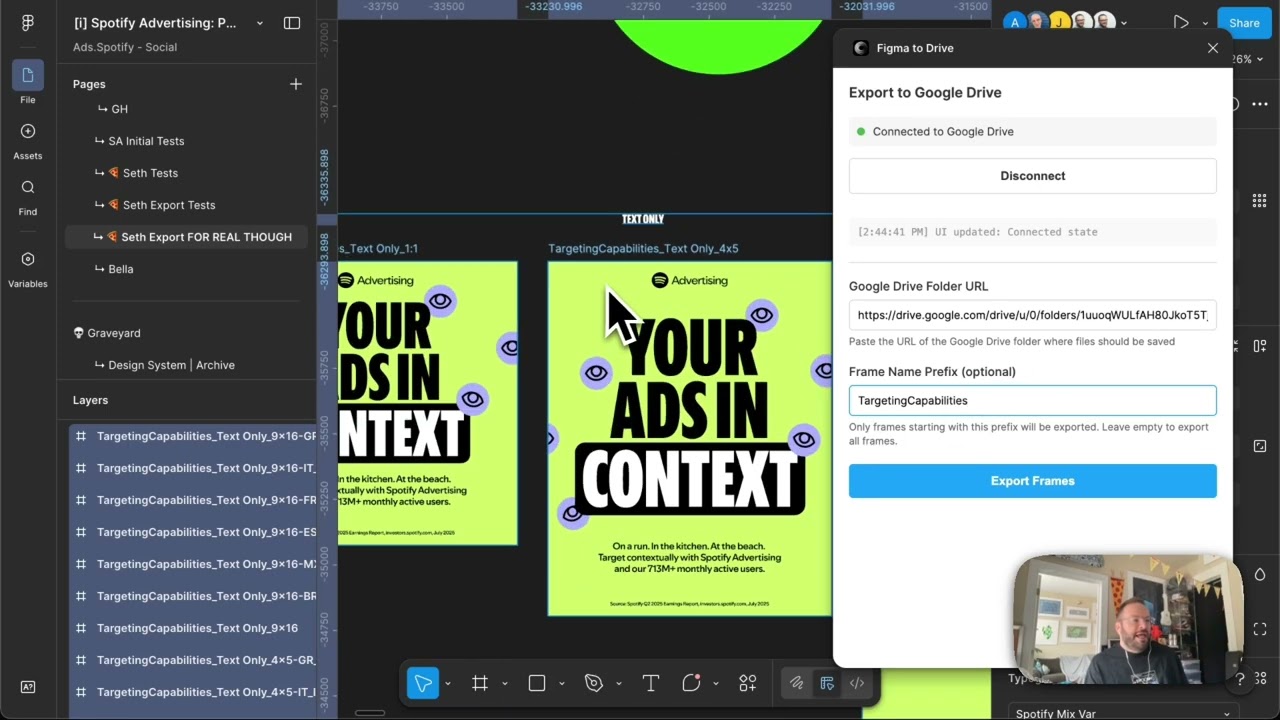
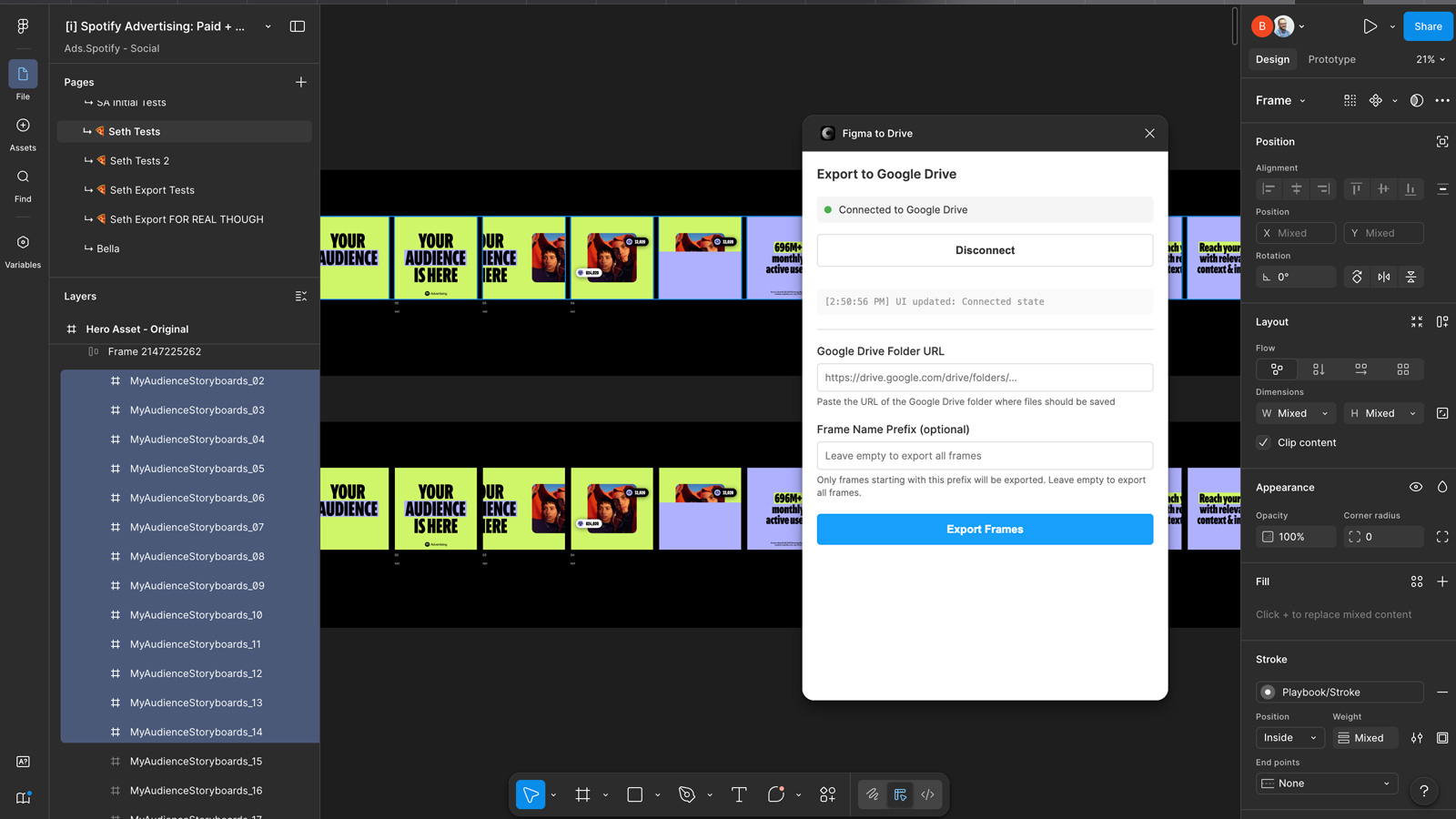
The workflow is three steps: select the frames you want to export, paste in a Google Drive folder URL, and run the plugin. Authentication happens via a temporary access token — you authorize once through a standard Google OAuth flow, the plugin grabs the token automatically, and you’re connected. No need to invite a service account to the folder or manage API credentials manually. The token handles the handshake and the plugin takes it from there.
For single-language exports, it’s straightforward: select frames, point at a folder, done. The plugin finds your frames, exports them, and places them in Drive.
The multilanguage piece
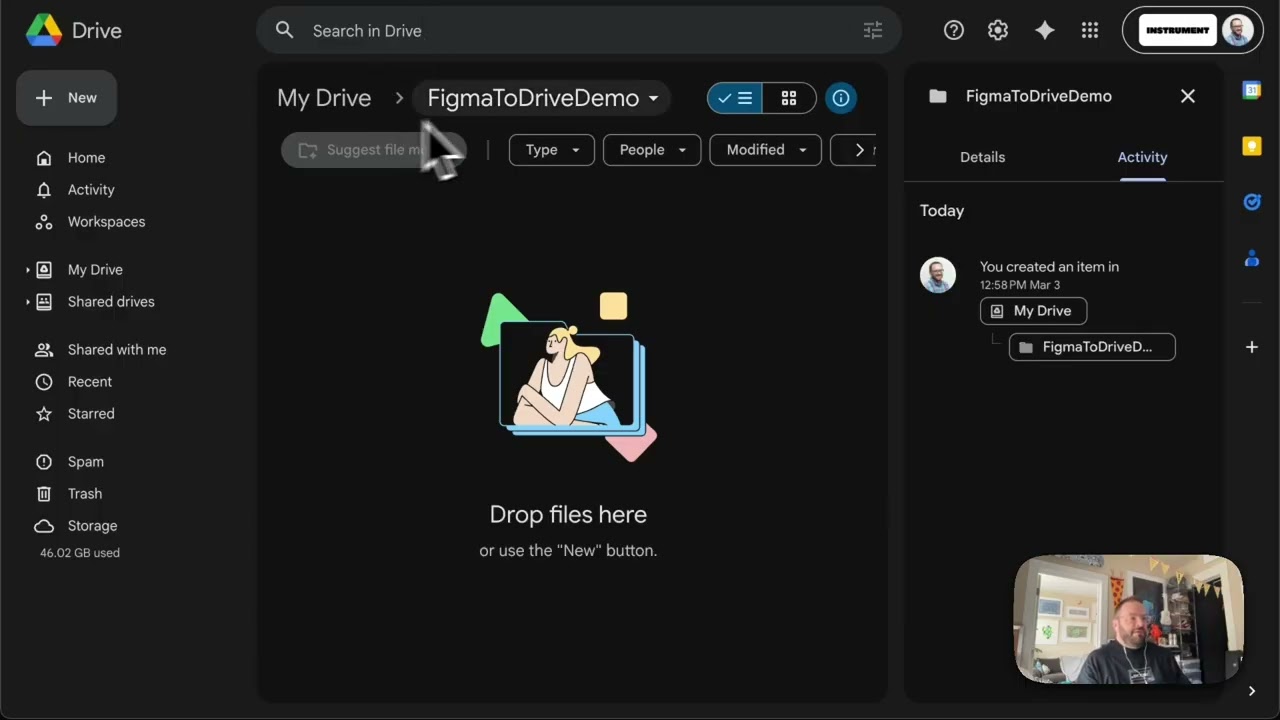
Where it gets more useful for advertising work is the language detection. If you’re working with frames named using a hyphen convention — FrameName-BR, FrameName-MX_Spanish, FrameName-ESP — the plugin reads those suffixes and automatically builds sub-folders in Drive named after them. You can also specify a frame name prefix to filter down to a specific set of frames if your file has hundreds across multiple campaigns. In the demo, 21 frames across seven language variants got sorted into their respective folders without any manual intervention: US English at the top level, then Portuguese, Spanish (Mexico), Spanish (Spain), and so on, each in its own folder exactly where it should be.
The plugin also skips layers that shouldn’t be included in the export — if you have guide layers, annotation frames, or anything else marked to be ignored, it steps over them cleanly.
Why it matters
The ask was simple: stop asking designers to do file management. Every minute spent dragging exports into the right Drive folder is a minute not spent on the work that actually requires design judgment. The plugin is published to the Figma Community under Plugins > From Instrument > Figma to Drive.
Applying this to your project
- Clone the plugin shell, discard the specifics. Copy
manifest.json,code.ts,ui.html,tsconfig.json,package.json, and the wholenetlify/functions/folder plusnetlify.toml. Discard any exported frame data or test folders — there’s no content to carry over, this is pure plumbing. - Set up your own Google OAuth credentials. Create a Google Cloud project, enable the Drive API, and generate an OAuth client ID/secret. Set
GOOGLE_CLIENT_IDandGOOGLE_CLIENT_SECRETas environment variables in your own Netlify site’s dashboard (not in a committed file — none of the functions read from a local.env). Netlify also needsNETLIFY_URLset to your deployed site’s own URL, sinceauth-start.jsandauth-callback.jsboth build the OAuth redirect URI from it. - Swap out the hardcoded domain in two places. In
ui.html, change theNETLIFY_URLconstant (currentlyhttps://figma-to-drive.netlify.app) to your deployed URL. Inmanifest.json, updatenetworkAccess.allowedDomainsto match — Figma will silently block any fetch to a domain not in that allowlist, so if you forget this step the plugin will look broken with no obvious error. - This is the real integration point:
handleExport()incode.ts. It readsfigma.currentPage.selection(or all frames on the page if nothing’s selected), filters by frame name prefix, and passes the resulting frames to either the per-frame export loop orhandleCombinedPdfExport(). If you’re adapting this for something other than “export frames to Drive,” this function is where you’d redirect the output. - Non-obvious gotchas from reading the code:
- The OAuth flow doesn’t actually complete via
postMessagein most cases —auth-callback.jsrenders an HTML page with a base64 token blob and asks the user to manually copy/paste it back into the plugin. This is because Figma’s desktop app has nowindow.openerto post a message to. Don’t assume the popup flow “just works” — the manual-paste path is the real fallback, not an edge case. organizeFramesByLanguage()incode.tsonly creates language subfolders if frame names end in a suffix like_BR_Portugueseor-MX_Spanish. If your frames don’t follow that naming convention, every frame silently falls into thedefaultfolder — no error, just no folders.- All the Netlify functions return
Access-Control-Allow-Origin: '*'. That’s fine for a plugin talking to its own backend, but if you extend these functions to handle anything sensitive, lock that down before shipping. package-lock.jsondoesn’t actually containnode-fetchorpdf-lib— they were added topackage.jsonafter the lock file was last generated. Runnpm installto regenerate the lock before your first deploy, or Netlify’s build may resolve slightly different versions than you expect.
- The OAuth flow doesn’t actually complete via
Other ways to repurpose this
Product Design
- Let a tool automatically batch-export a whole set of app screens straight out of the design file instead of exporting each one by hand.
- Automatically sort exported screens into folders based on naming patterns, so language or device variants file themselves without manual sorting.
Web Design
- Let a client see a working sample of the final combined deliverable before anyone manually assembles the pieces by hand.
- Connect a design tool directly to shared cloud storage so finished mockups land in a client’s folder without anyone downloading and re-uploading files.
Marketing
- Automatically stitch a set of individual campaign slides or ad variations into one shareable document, ready to send without extra software.
- Instantly organize localized versions of a campaign asset into their own folders, so regional teams never mix up which files belong to which market.
Branding
- Give clients always-up-to-date access to their brand assets by pushing finished files straight into a shared folder instead of emailing exports back and forth.
- Standardize how every brand asset gets named and filed automatically, so a growing brand library doesn’t turn into a mess someone has to clean up later.
Dependencies
- Role
- Creative Technologist
- Tools
- Figma Plugin API Google Drive API OAuth JavaScript
- Metrics
- Eliminated manual folder creation and file sorting across language variants
Multilanguage Export with Auto-Folder Organization