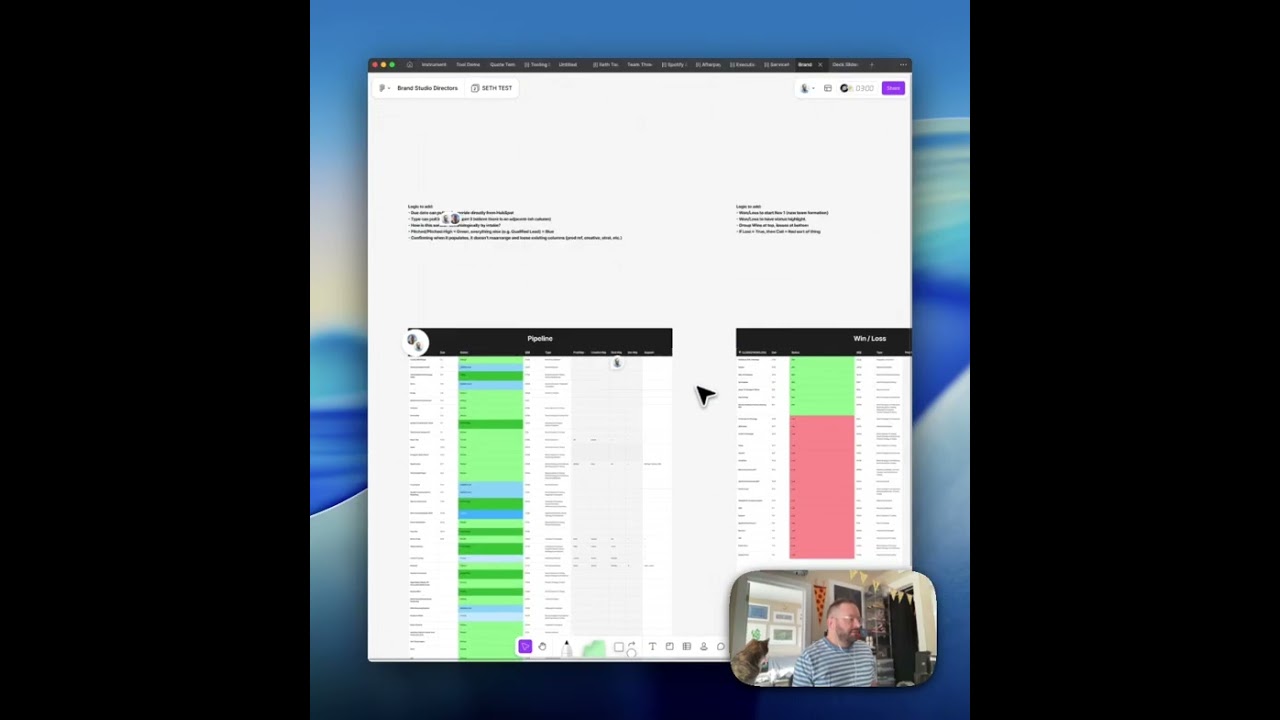
HubSpot Pipeline Synced to FigJam
A Figma plugin that pulls live HubSpot deal data directly into FigJam, rendering color-coded pipeline and win/loss tables that update on demand. No more screenshotting CRM views — your canvas stays in sync with your sales data.
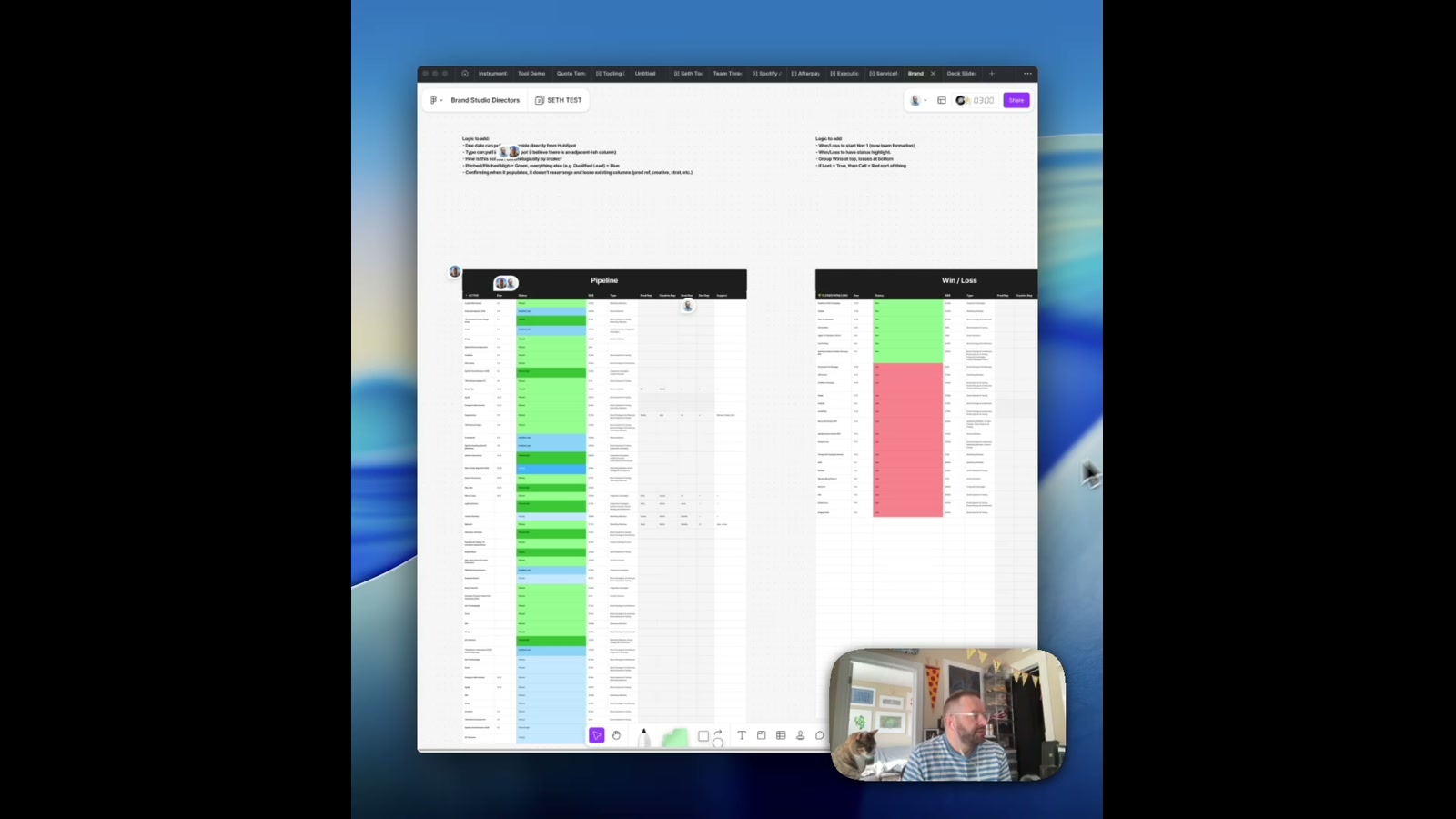
Sales pipeline reviews live in two places: the CRM and the design canvas. This plugin eliminates the gap. Built as a FigJam plugin, it connects directly to HubSpot via a lightweight Netlify serverless proxy — pulling live deal data and rendering it as a fully formatted, color-coded table right inside your board. Hit sync, and within seconds your pipeline is updated, newest to oldest, shaded across four tiers of blue to communicate deal stage at a glance.
How it works
The plugin UI lets you configure date ranges per table — Pipeline and Win/Loss are both supported. Leave the defaults and it syncs fast; customize the range and it filters accordingly. Under the hood, the plugin posts to a Netlify proxy function that handles the HubSpot API auth and CORS constraints that would otherwise block a browser-based plugin. The proxy is stateless, the token is never stored, and the whole thing deploys in about five minutes.
The FigJam tables themselves use conditional color fills mapped to deal stage and outcome — green for wins, pink for losses, blue gradients for pipeline health. The visual grammar is immediate: you don’t need to read the data to understand the shape of the quarter.
The thinking behind it
This started as a practical problem for a Brand Studio team doing quarterly reviews. They were manually exporting HubSpot data, formatting it in spreadsheets, and pasting screenshots into decks. That’s a three-step process that goes stale the moment it’s done. The plugin collapses all of that into a single button inside the tool the team already works in.
The UI was also deliberately kept minimal — a small set of date inputs and a sync button. The goal wasn’t to replicate HubSpot inside Figma; it was to get just enough data into the canvas to make the conversation meaningful.
What this unlocks
The proxy pattern here is worth highlighting on its own. Any Figma or FigJam plugin that needs to talk to an authenticated third-party API can use this exact architecture — a lightweight Netlify function standing between the plugin and the service. It’s reusable for Notion, Airtable, Salesforce, or any API with CORS restrictions. The plugin becomes a thin client; the real work happens server-side where auth is clean and fast.
Applying this to your project
- Clone the two independent pieces separately.
HubSpotTable/is the actual Figma/FigJam plugin (code.ts/code.js,ui.html,manifest.json);HubSpotTable/hubspot-proxy/is a standalone Netlify Functions project that just happens to live inside it. You can copyhubspot-proxy/into its own repo — it has zero dependencies on the plugin code. Discard the genericREADME.mdat the plugin root; it’s the default Figma plugin template boilerplate, not documentation of what this plugin actually does. - Deploy your own proxy first. Follow
hubspot-proxy/README.mdto deploynetlify/functions/hubspot-proxy.jsto your own Netlify site. In the Netlify dashboard, set two environment variables:HUBSPOT_API_KEY(a HubSpot private app token with Deals read access) andAUTH_SECRET(any random string you generate). Then updatemanifest.json’snetworkAccess.allowedDomainsand the three hardcodedproxyUrlstrings incode.ts(search forhubspotfigmaproxy.netlify.app) to point at your new site. - Mirror your
AUTH_SECRETinto the UI file. Inui.html, find the lineconst AUTH_SECRET = '93808478638614769330243581782757';and replace it with the same value you set in Netlify. This is a real gotcha: the “secret” ships inside the plugin’s client-side HTML, so it only deters casual misuse, not a determined attacker — don’t reuse a sensitive credential here. - Swap out the hardcoded business logic in
code.ts. This plugin is wired to one specific pipeline: theinstrument_team === 'Brand Studio'filter (two places, searchinstrument_team), theformatServiceOfferingID-to-label map, theformatDealStagestage-ID-to-label map, and theactiveStages/closedStagesarrays. Replace these with your own HubSpot pipeline’s internal stage IDs and property names (find them via HubSpot’s pipeline settings or a raw API call) and the deal property names you actually use (dealname,amount,closedate,start_date, etc.). - The real integration point is table-and-row matching, not a form. There’s no input UI for HubSpot data — deals are matched to existing FigJam table rows by fuzzy-normalizing the deal name (stripping everything after a
:or-, lowercasing, stripping punctuation) and comparing it to the text in each row’s first cell. Your FigJam tables must have “ACTIVE”/“WON” (or similar, see the regex incode.tsaroundisHeader) somewhere in the header row so the plugin can identify which table is which, and any manual columns you want preserved must come after column indexhubspotColumnCount(currently6) — columns before that are overwritten on every sync. - Rebuild before testing.
code.tsis the source of truth;code.jsis a compiled artifact. Runnpm run build(ornpm run watchwhile iterating) insideHubSpotTable/after any edit tocode.ts, then reload the plugin in Figma — editingcode.jsdirectly will get silently overwritten on the next build.
Other ways to repurpose this
Product Design
- Turn any live business dataset — support tickets, user research findings, feature requests — into a whiteboard your team can annotate and reorganize by hand, instead of staring at it in a separate dashboard.
- Preserve people’s manual notes and annotations even when the underlying data refreshes, so the workspace stays a living document rather than getting wiped every time you sync.
Web Design
- Automatically color-code and sort a live feed of records (deals, leads, orders) by their current stage so priorities are visible at a glance without anyone touching a filter.
- Keep a shared visual timestamp of “last refreshed” so viewers always know whether they’re looking at current or stale information.
Marketing
- Pull a sales or campaign pipeline directly into a shared visual board so the whole team can see what’s active and what’s closed without logging into the CRM.
- Route sensitive account credentials through a private go-between service so a public-facing tool never talks to the core business system directly, reducing what could leak if the tool itself were compromised.
Branding
- Give a client-facing status board a consistent, on-brand color language (for example, a color for “won,” a color for “at risk”) that updates itself instead of requiring manual upkeep.
- Build a recurring “pulse check” ritual — a single board that refreshes on demand and always reflects the current state of the business — as a lightweight branded deliverable in itself.
Dependencies
- Role
- Design Engineer
- Tools
- Figma Plugin API TypeScript HubSpot API Netlify Functions FigJam