Float Capacity Planning Tool
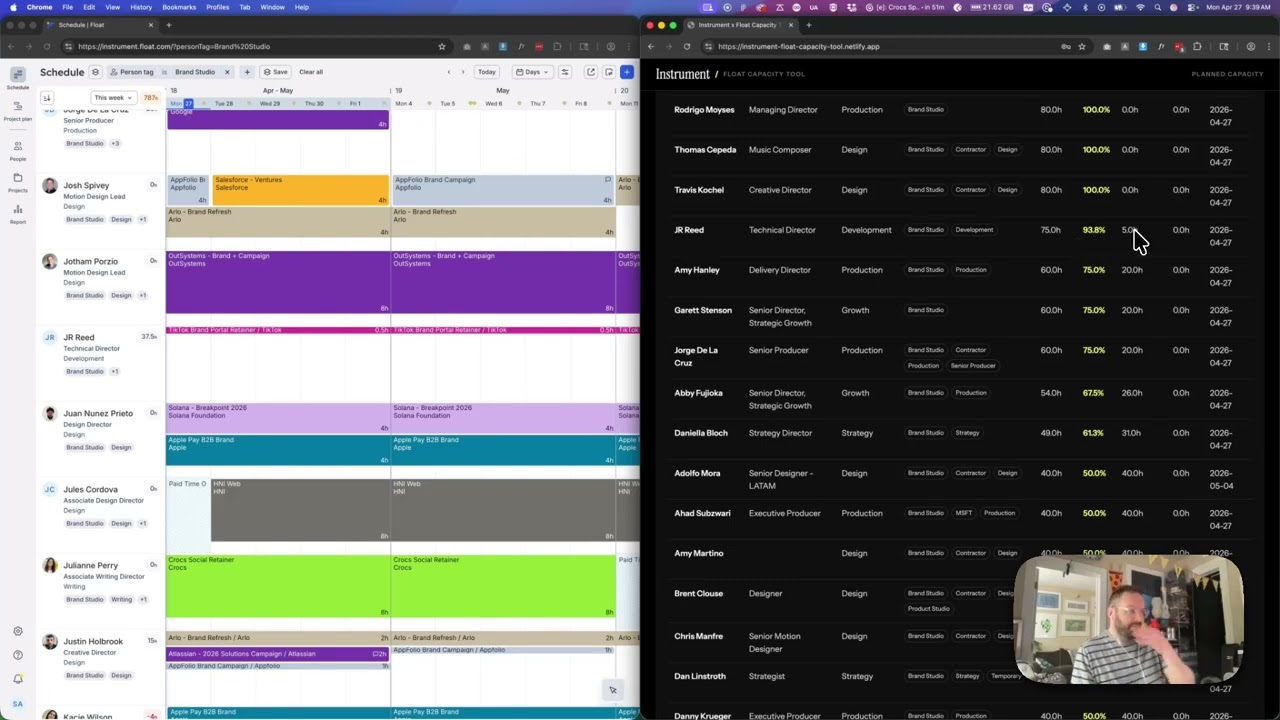
An internal web tool that surfaces planned team capacity from Float — supporting preset views, guided filters, and natural-language search so producers and ops teams can find the right people with the right availability in seconds.
Resource planning at a creative studio is deceptively hard. Float holds the data, but surfacing it quickly — filtered by team, role, and availability window — requires jumping through enough hoops that producers often just Slack around instead. This tool changes that by wrapping the Float API in a purpose-built interface tuned for how Instrument actually works.
How it works
The tool offers three search modes: preset views for common audiences (Brand Studio design dept, IC designers only, all Brand Studio roles, Google REP), guided filters for tag/department/title/minimum open %, and natural-language search that parses plain English — “designers in brand studio with 20% open next two weeks” — into structured Float queries. All Float API calls happen server-side via Netlify Functions, keeping the API key out of the browser entirely. Capacity math is straightforward but precise: open hours = capacity hours minus task allocation hours minus time-off hours, calculated per person across the selected date window.
What’s under the hood
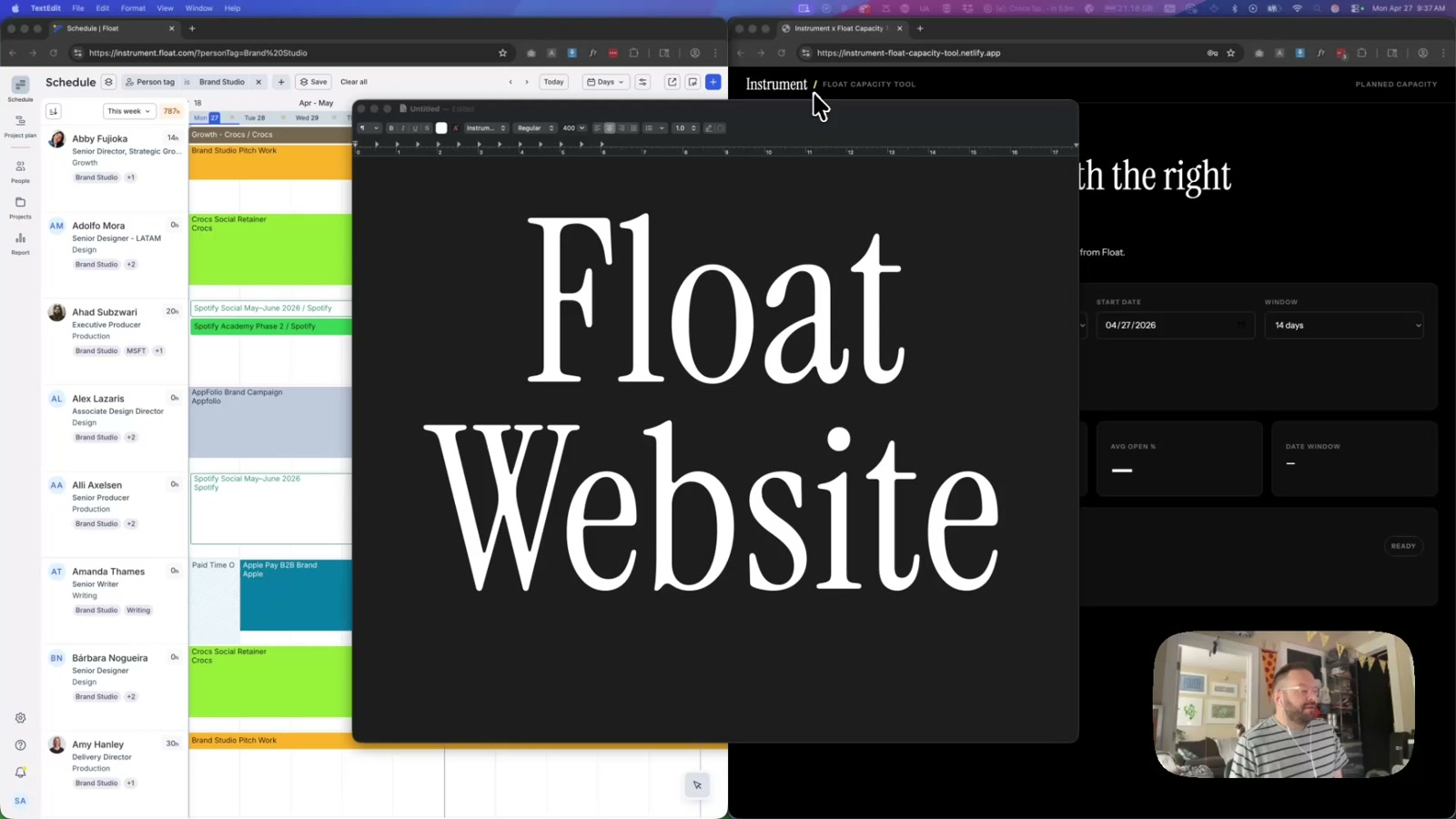
The frontend is deliberately lightweight — static HTML, vanilla JS, and a CSS design system built with Instrument Sans and Instrument Serif that matches the agency’s own brand. The results table sorts by open percentage, includes next-open-date calculations, and exposes a CSV export for staffing, producer, and retainer workflows. A separate Netlify Function endpoint — figjam-capacity — proxies Float data directly into a FigJam plugin, since Figma plugin iframes can’t call Float’s API due to CORS restrictions. One codebase, two surfaces.
Iterating in the open
This project is built and refined incrementally — the video update captured here added three distinct Brand Studio preset scopes after discovering that the original single preset was missing people due to API pagination limits and over-narrow title matching. Each iteration is a spot-check loop: pull the data, verify against Float manually, find the edge case, fix the filter logic, repeat. The pagination fix alone significantly expanded the breadth of people surfacing in results.
Why it matters
Tools like this close the gap between data that exists and decisions that get made. When finding available designers takes thirty seconds instead of a Slack thread, producers staff projects faster and with more confidence. The same pattern — Float API proxied through serverless functions, filtered by org-specific presets, exported to CSV or piped into design tools — could apply to any agency running resource management through Float.
Applying this to your project
-
Copy
public/,netlify/functions/,netlify.toml, andpackage.json. These four are the entire working app — a static frontend, three serverless functions, and the Netlify routing/CSP config. DiscardPROJECT_CONTEXT.mdandREADME.mdas-is (they’re written for this specific Float/Instrument setup), but keep the pattern of maintaining a “here’s what isn’t obvious from the code” doc for your own version. -
Set up environment variables. In Netlify Site settings (or a local
.envused bynetlify dev), you needFLOAT_API_KEYandFLOAT_UAat minimum —_shared.jsthrows immediately if either is missing.FLOAT_BASEandDEFAULT_DAILY_HOURSare optional with sane defaults. If you’re not using Float, you’ll replace these with whatever auth your data source needs. -
Swap out the branding and presets. The wordmark (“Instrument”) and tagline live directly in
public/index.html’s header markup. Colors/typography are inpublic/styles.css, including the Google Fonts<link>for Instrument Sans/Serif inindex.html— swap for your own type. The dropdown presets (brand-studio-design-dept,google-rep, etc.) are hardcoded business logic specific to this org’s tags/departments — replace with filters that make sense for your own team structure. -
The critical integration point is
calculateCapacity()innetlify/functions/_shared.js. All three functions —capacity-search.js,export-csv.js, andfigjam-capacity.js— call this one function, so it’s the single source of truth for the math and data fetching. To point this at a different data source than Float, you’d rewritefetchPeople(),fetchTasks(), andfetchTimeoffs()(and their field lists) inside_shared.js— everything downstream (filtering, math, CSV export, FigJam proxy) keeps working unchanged as long as the shape of the returned rows stays the same. -
Non-obvious gotchas:
- The Content-Security-Policy in
netlify.tomlhasconnect-srclocked tohttps://api.float.com— if you swap in a different API, requests will silently fail in production (browser blocks them) even though local dev may work fine. Update this or you’ll waste time debugging a “it works locally” mystery. _shared.js’sfetchAllPages()exists because Float silently caps pagination at 200 results per page with no error — if your API has similar pagination limits, don’t assume a single fetch call is enough.- Presets must be kept in sync across three places:
buildPresetFilters()in_shared.js, thePRESETSobject inpublic/app.js, and the<select id="preset">options inindex.html. Miss one and the dropdown and server disagree. - There’s no caching — every search re-fetches the entire people roster from the API. At scale this risks hitting Netlify Functions’ 10-second timeout; worth adding a simple in-memory cache if your dataset is large.
- The project’s own docs (
PROJECT_CONTEXT.md) reference a Python CLI and diagnostic scripts (e.g. a Python port of the logic, a “find person by name” script) as if they exist in the repo — they don’t. Don’t assume documentation matches what’s actually checked in; verify files exist before relying on them.
- The Content-Security-Policy in
Other ways to repurpose this
Product Design
- Give people three different ways to ask the same question — pick from a preset, fine-tune with filters, or just type a plain sentence — so both quick users and detail-oriented users are served by the same tool.
- Apply this same “who’s free and when” logic to other internal resourcing questions, like meeting room availability, budget headroom, or equipment booking.
Web Design
- Build small, single-purpose internal pages instead of full applications — skipping heavy frameworks keeps them fast to load and cheap to maintain for tools only a handful of people use.
- Let people export whatever they’re looking at on screen straight into a spreadsheet file, so a live report can also become something they can save, sort, or forward.
Marketing
- Bring a live data feed directly into the tools a team already works in — like a planning whiteboard — instead of forcing people to open yet another separate webpage.
- Let someone describe what they want in plain language and have the system translate that into a structured, filtered result, which is a friendly front door for any reporting tool aimed at less technical users.
Branding
- Skin a purely functional, internal-only tool in the same typography and color system as customer-facing work, so brand consistency shows up even in the tools only employees see.
- Add a small, consistent brand mark and tagline to everyday internal tools — it turns a utility into a quiet, recurring touchpoint for the brand.
Dependencies
- Role
- Design Engineer
- Tools
- Float API Netlify Functions Instrument Sans Instrument Serif Vanilla JS CSS